Work longer, feel better protect your eyes in minutes.
Blinker gently reminds you to blink and take short, science backed breaks (20-20-20). Soft animations. No disruption. Built for people who live on screens.
Blink more, dry less: simple micro-reminders that reduce eye strain and keep your focus.
Blink reminder
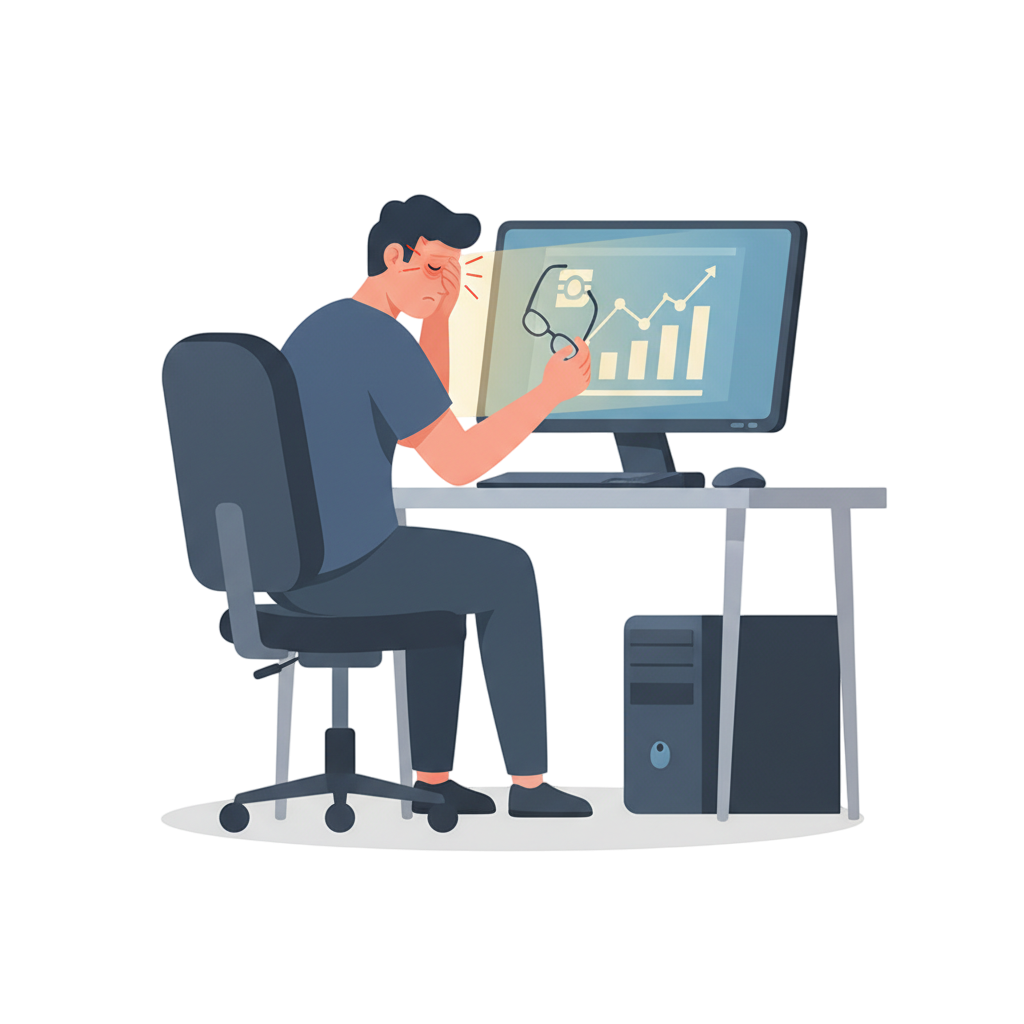
Screens demand focus. Your eyes pay the price.
Deep work causes us to blink less — sometimes not at all for minutes. That leads to dryness, irritation, blurred vision and headaches. The 20-20-20 rule is proven to help, but remembering it while working is hard. Blinker does the remembering for you — micro nudges that restore moisture, comfort and focus.
Meet Blinker — gentle eye-care for heavy workload lives.
Blinker runs in the background and does two things: nudges you to blink at short intervals, and reminds you to take short or long breaks at your preferred cadence. Everything is customizable — animations, position, frequency and size — so reminders fit your screen and style, not the other way around.
- •Stop dryness: short blink nudges keep your eyes moist.
- •Stay productive: micro-breaks restore focus without derailing work.
- •Build a habit: customizable reminders that fit your workflow.
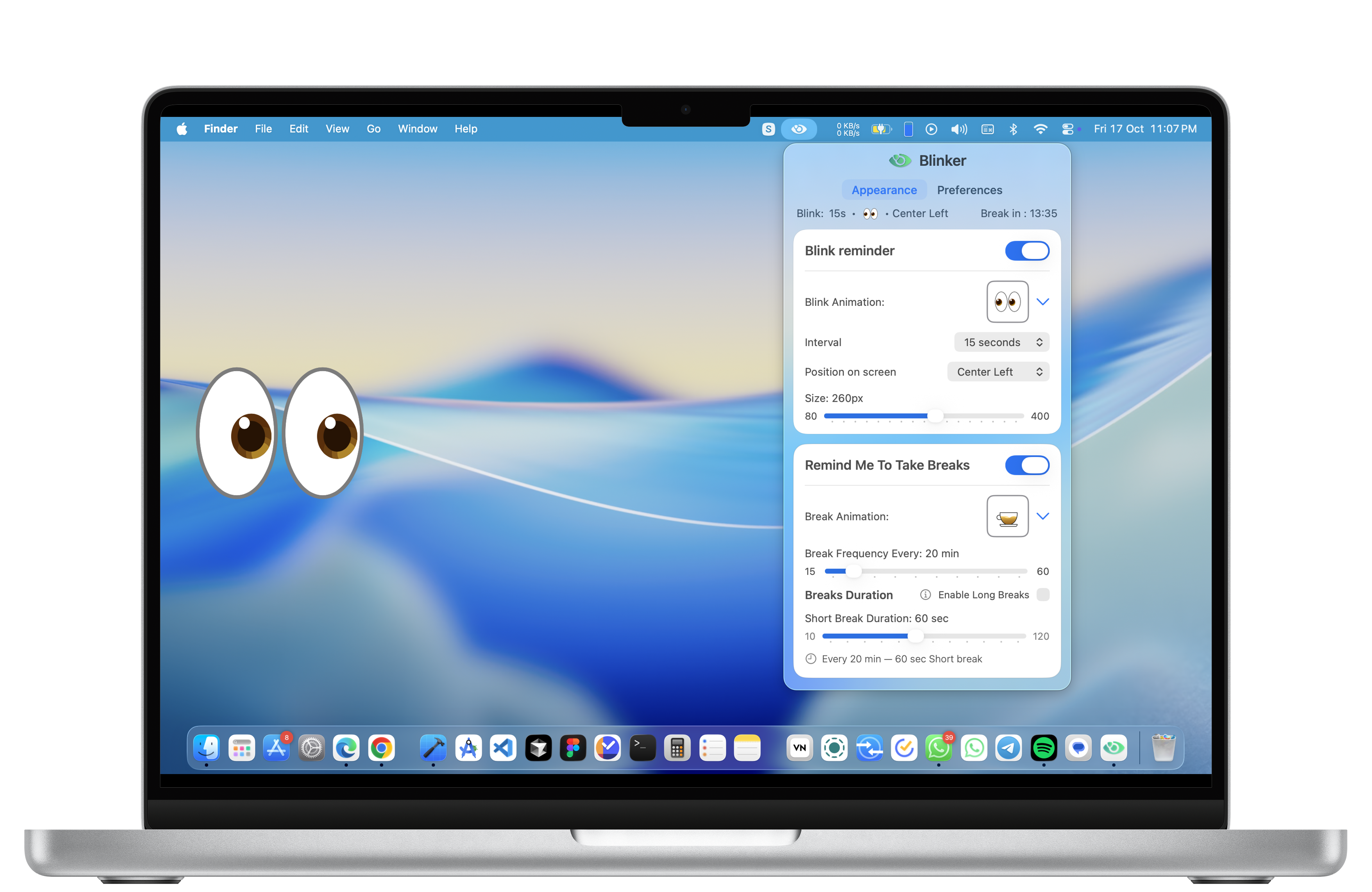
Features provided by blinker
Keep your eyes healthy without interrupting your workflow.
Blink Reminders
Stop holding your eyelids open — blink reminders every 15–60s.
Choose animations, position & size so reminders never block your work.
Break Scheduler
Short (10–120s) and long (3–20m) breaks — set cadence and relax on schedule.
Toggle long break after two shorts. Snooze or enable Strict Mode to lock it in.
Non-intrusive Animations
Smooth, calm animations with optional chime — gently pulls your gaze away.
Pick style and volume — or go silent.
Strict Mode
Enforce breaks when you need them (no snooze).
Great for focus sprints or team policy.
Low Power & Privacy
Runs locally, minimal battery use, no personal data shared.
Overlay + notification permissions required.
Get Results
Notice reduced eye soreness and improved comfort after a few sessions.
Recommended defaults: 20–30s blink interval, 20m break cadence.
How it works
Follow these simple steps to keep your eyes healthy while working on screens.
Install & Start Protecting Your Eyes
- Toggle ON/OFF. Choose from cool eye animations.
- Interval: 15s–60s (set how often the blink animation appears).
- Position: Top-Left, Top-Center, Top-Right, Center-Left, Center, Center-Right, Bottom-Left, Bottom-Center, Bottom-Right, Random.
- Size: adjust with a slider so the animation is subtle or bold.
- Why it matters: short micro-reminders stop you from holding your eyelids open for too long — tiny acts that prevent big discomfort.
How it works
Follow these simple steps to keep your eyes healthy while working on screens.
Install & Start Protecting Your Eyes
- Toggle ON/OFF. Choose from cool eye animations.
- Interval: 15s–60s (set how often the blink animation appears).
- Position: Top-Left, Top-Center, Top-Right, Center-Left, Center, Center-Right, Bottom-Left, Bottom-Center, Bottom-Right, Random.
- Size: adjust with a slider so the animation is subtle or bold.
- Why it matters: short micro-reminders stop you from holding your eyelids open for too long — tiny acts that prevent big discomfort.
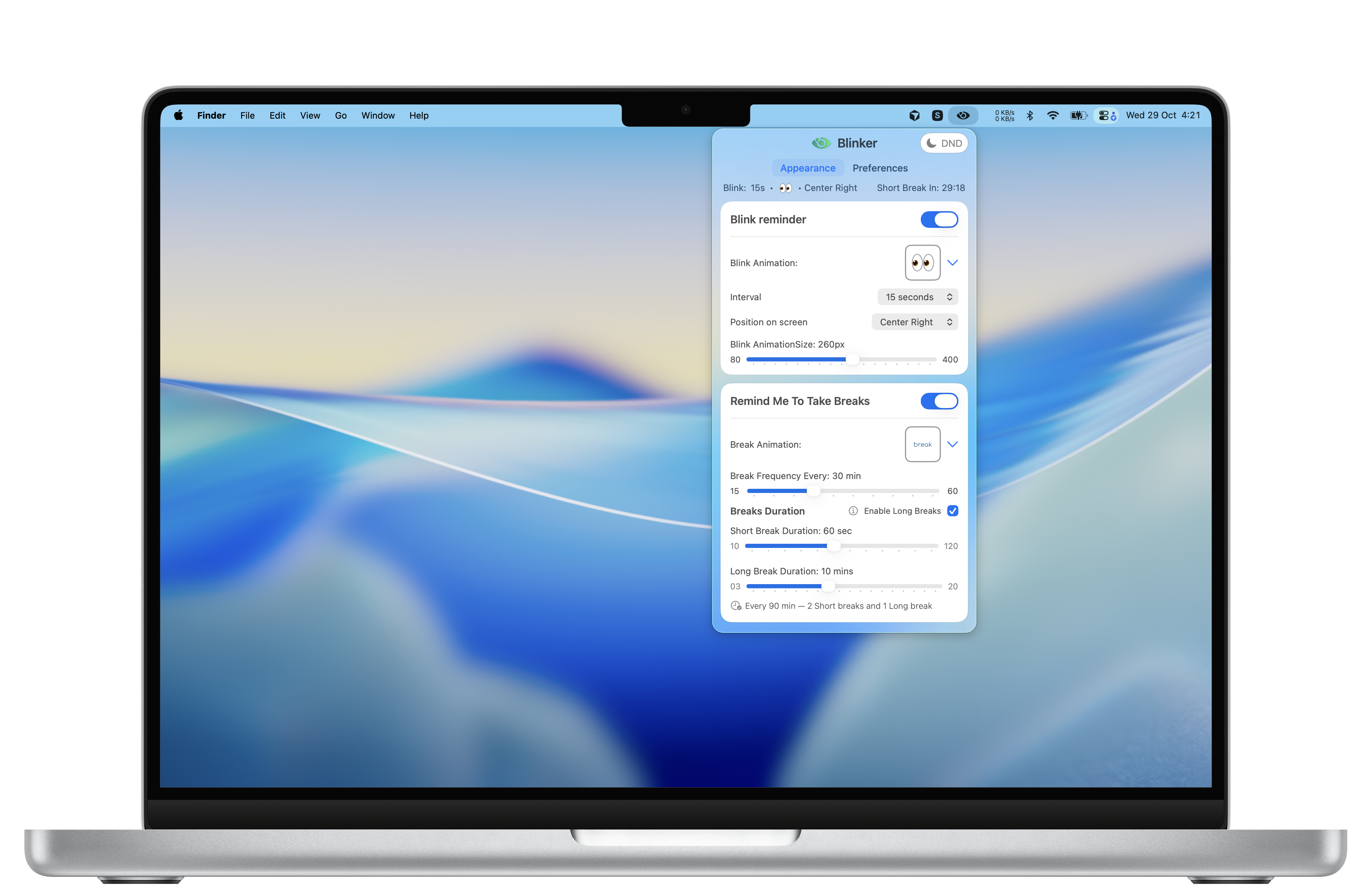
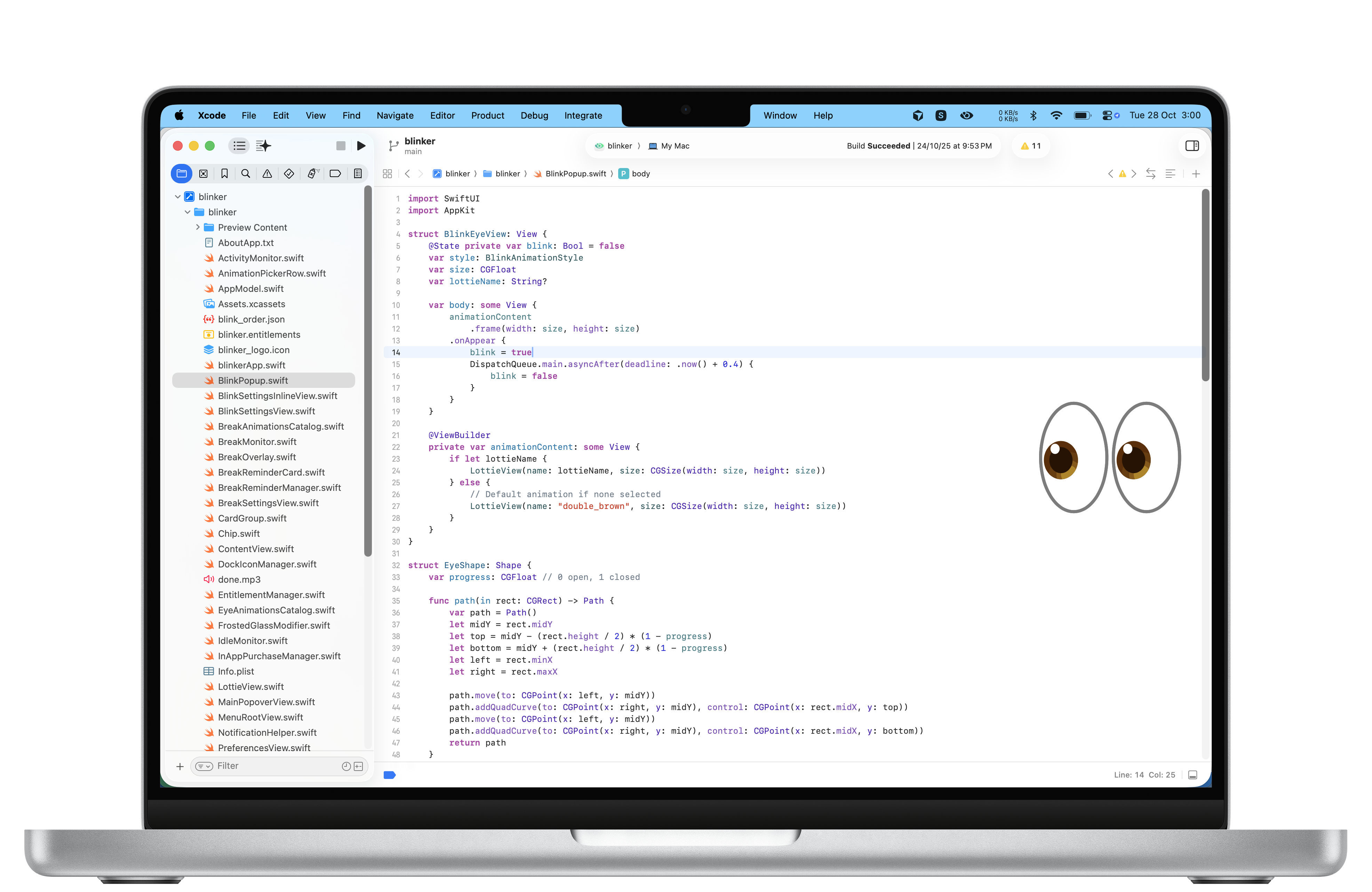
Blink Reminders
- Toggle ON/OFF. Choose from cool eye animations.
- Interval: 15s–60s (set how often the blink animation appears).
- Position: Top-Left, Top-Center, Top-Right, Center-Left, Center, Center-Right, Bottom-Left, Bottom-Center, Bottom-Right, Random.
- Size: adjust with a slider so the animation is subtle or bold.
- Why it matters: short micro-reminders stop you from holding your eyelids open for too long — tiny acts that prevent big discomfort.
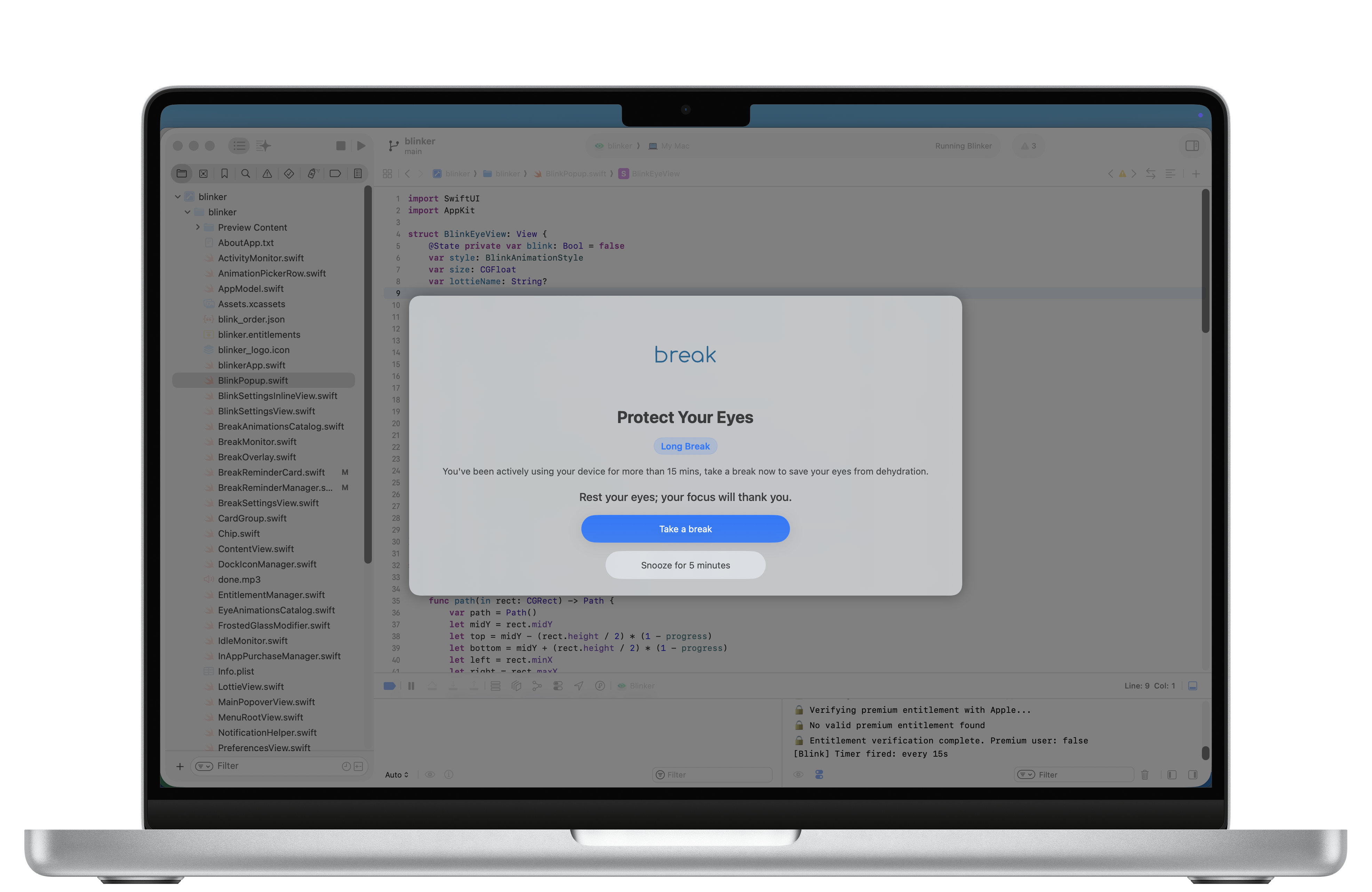
Break Reminder
- Toggle ON/OFF. Choose break animation and sound.
- Frequency slider: set break every 15–60 minutes.
- Break durations: two short-break sliders (10–120 seconds) and one long-break slider (3–20 minutes).
- Optional “Long Break” checkbox: after two short breaks, the third break becomes long.
- Why it matters: micro-breaks refresh your focus and reduce long-term strain.
How it helps you
Prevents dry eyes
Reduces irritation during long work sessions and screen time.
Improves focus
Restorative short breaks to refresh your attention.
Customization
Set intervals to match your workflow/style.
Builds healthy habits
Supports long-term eye health effortlessly.
Frequently Asked
Questions
Will Blinker interrupt my work?
Does it run in the background?
Can I customize reminders?
Can I disable snooze?
Does this replace medical advice?
Our Story
We were built for the tired, the focused, and the deadline-driven.
You’re building the future — writing code, editing slides, answering calls — and your eyes are doing the heavy lifting. Screens demand focus; focus forgets to blink. The result? Dry, tired eyes, headaches, lost focus and slower work.
Blinker exists so your eyes don’t have to beg for attention. A small nudge, a soft animation, a tiny pause — that’s all it takes to reset your gaze, rehydrate your eyes and keep you working without the ache. Simple, research-backed, and designed for people who can’t afford to slow down.
Get Blinker for macOS
Free. Lightweight. Designed to help in long work sessions.

Requires macOS 14 Sonoma or later.