More insight.
Compact menu bar.
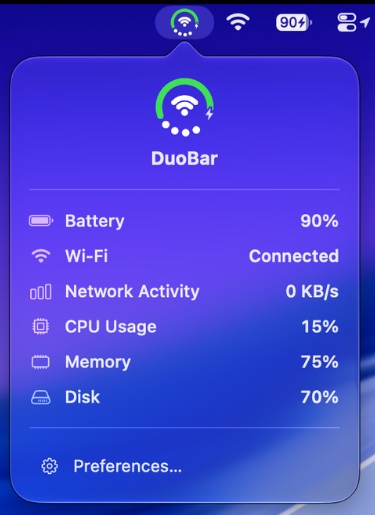
DuoBar keeps an eye on your Mac and reports back in one tidy dropdown — battery, Wi-Fi, network activity, CPU, memory and disk. No dashboard to open, no window to manage. Just a glance at the menu bar.
Clean · Modern · Beautiful
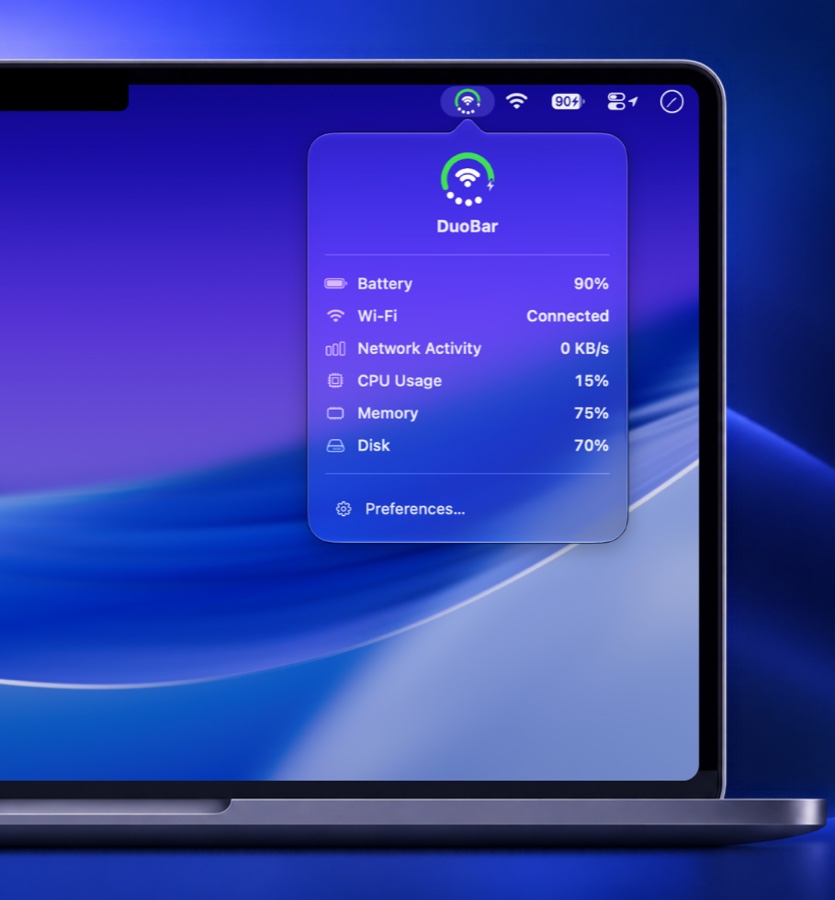
What you see
Six vital signs, one dropdown.
Everything Activity Monitor makes you go looking for, sitting one click from wherever you already are.
Battery
Exact charge and charging state, not a five-bar guess.
Wi-Fi
Which network you're on, and whether it's actually up.
Network Activity
Live up and down throughput, so you can spot a stalled download.
CPU Usage
Catch the runaway process before the fans do.
Memory
See pressure building while you still have tabs to close.
Disk
Know how much room is left before an export fails.
Less clutter
Six icons become one.
Every reading DuoBar shows would otherwise mean another menu bar app holding another slot. DuoBar folds all six into a single icon — and a single click.
Your menu bar, back
Separate apps for battery, network and CPU crowd the bar until the notch starts swallowing them. DuoBar hands those slots back.
Before
With DuoBar
 9:41
9:41Everything in one place
No hunting across three menus for three numbers. Same icon, same panel, same order — every time you look.
Give your menu bar a brain.
DuoBar is a free download for macOS. Install it once and you’ll never open Activity Monitor for a quick look again.