 DuoShots
One phone across two screenshots
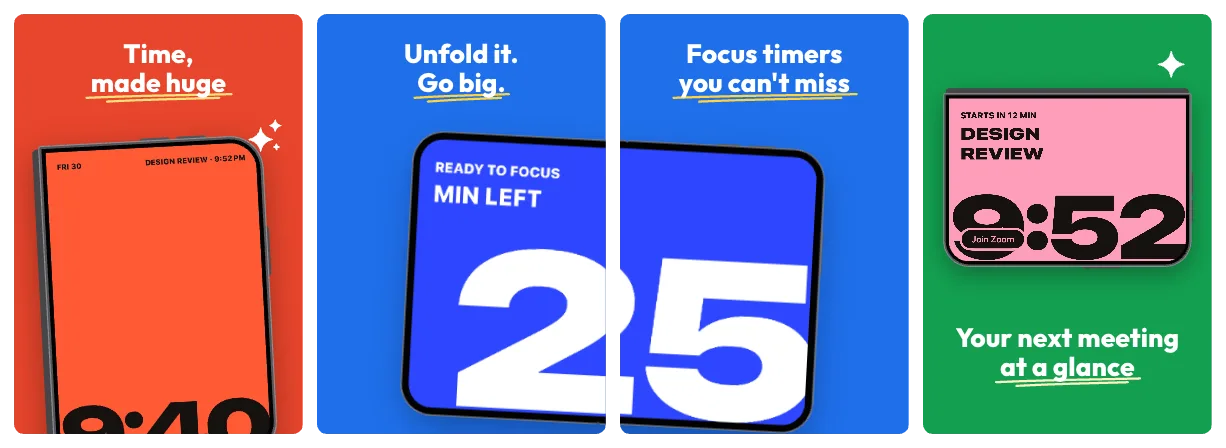
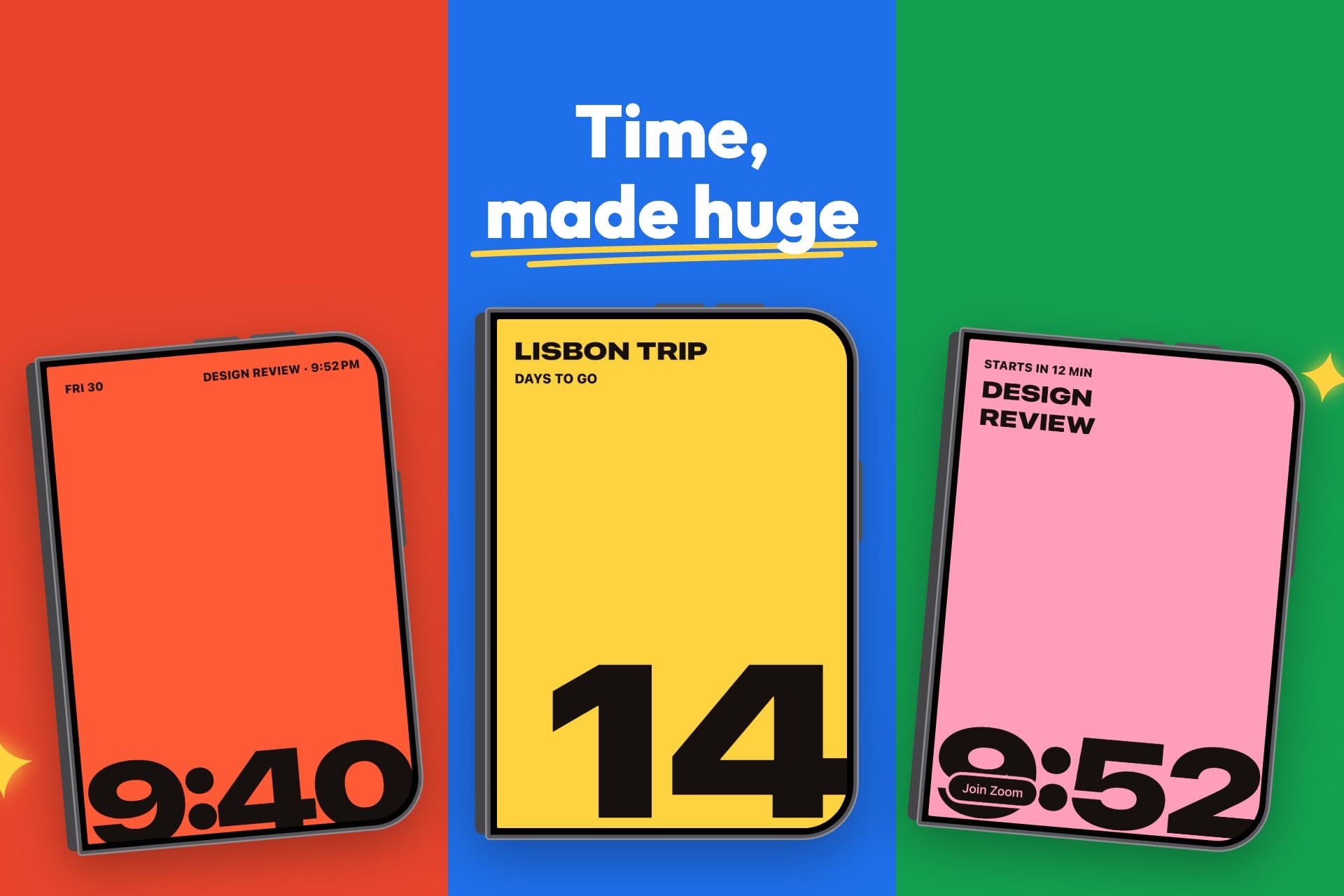
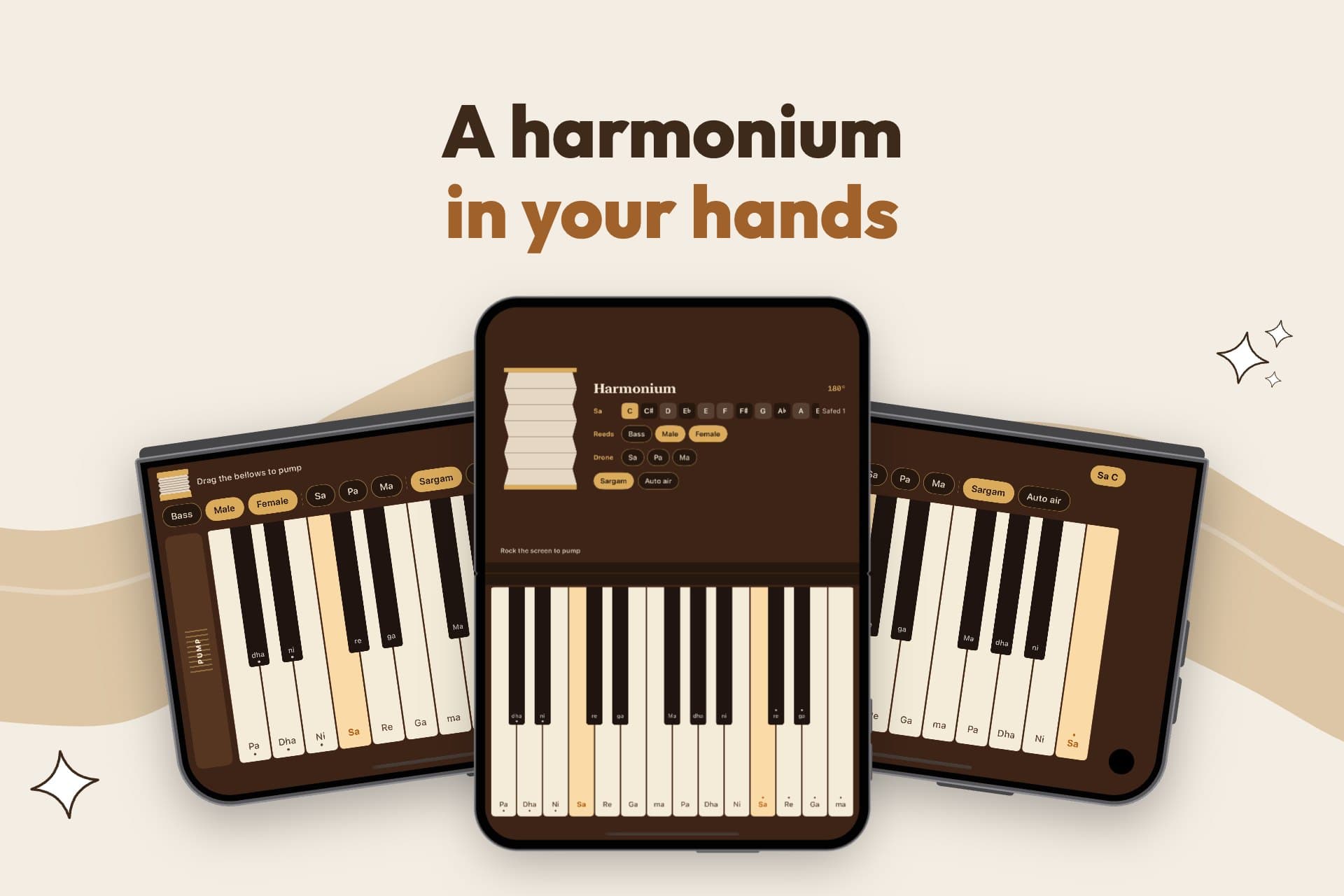
The open Duo spans the seam, so your listing reads as one big screen while people scroll. Drop in one unfolded screenshot and it fits.
Design your whole iPhone Duo screenshot set in minutes. The open Duo stretches across two screenshots, the cover screen stands on its own, and every PNG comes out at Apple's exact size. Then make the iOS 27 search image and page header to match.
Free · No account · Your screenshots never leave your device
The open Duo spans the seam, so your listing reads as one big screen while people scroll. Drop in one unfolded screenshot and it fits.
Lift the key part of your screen out of the phone, bigger, so nobody misses it.
Move, resize and tilt the phone, the blown-up part and the labels right on the screenshot.
 Night Tilt
 Blocks
 Swoosh
 Soft
 Neon
 Bold
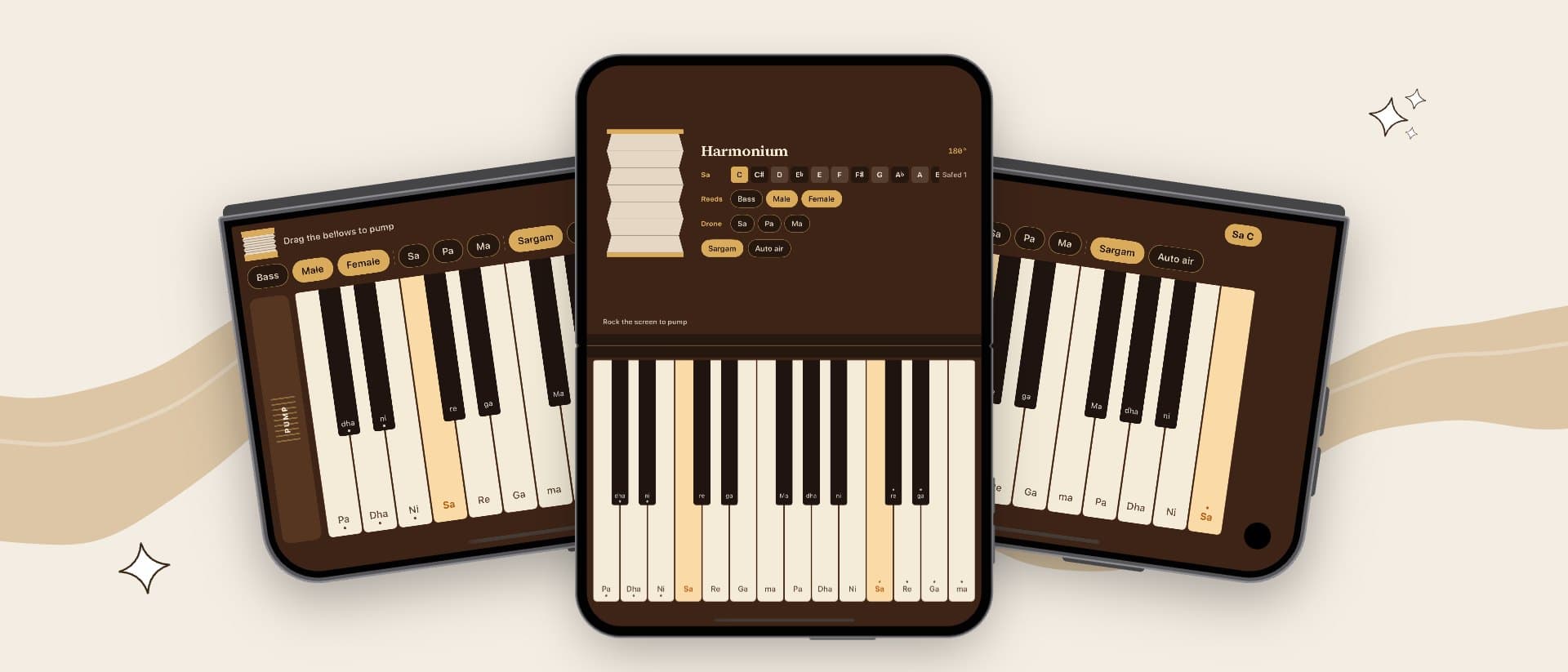
Shown in App Store search instead of your first screenshots.
 Night Tilt
 Blocks
 Swoosh
 Soft
 Neon
 Bold
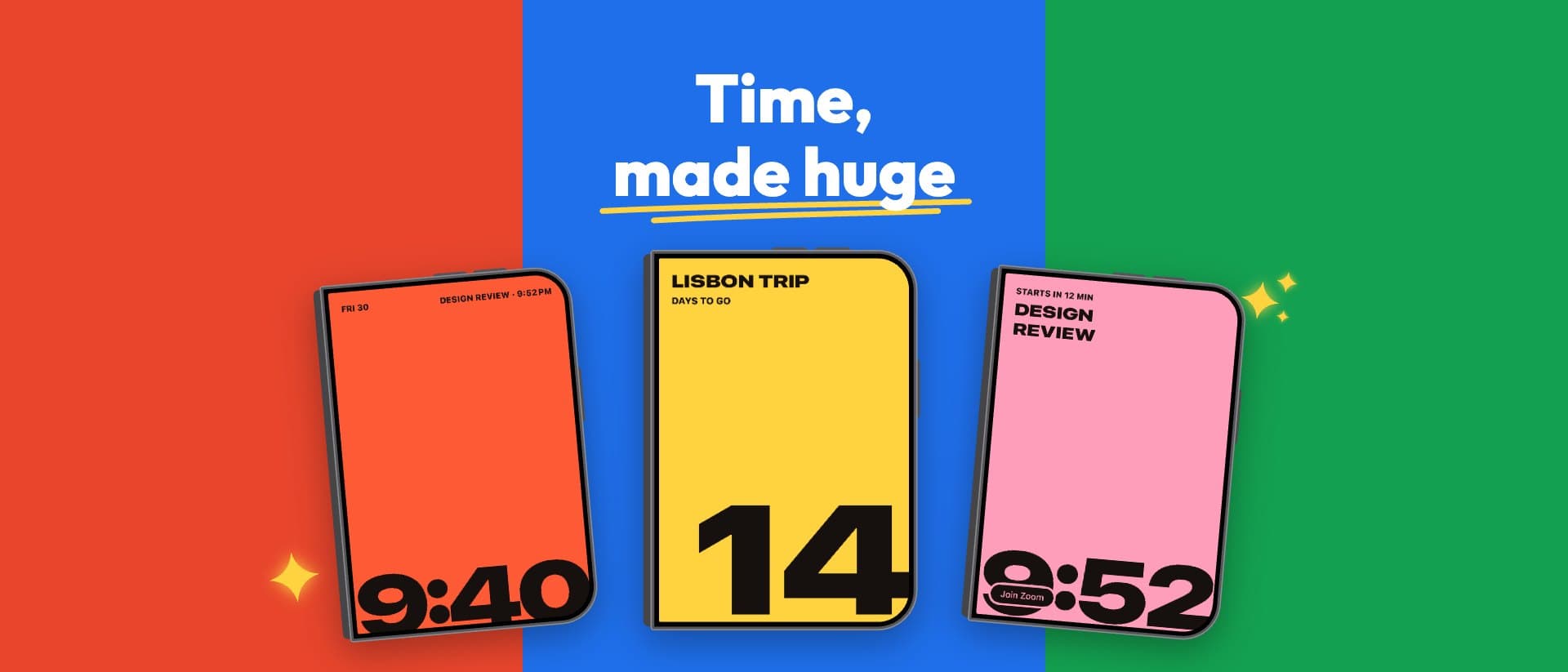
The first thing on your product page, above your icon and name.
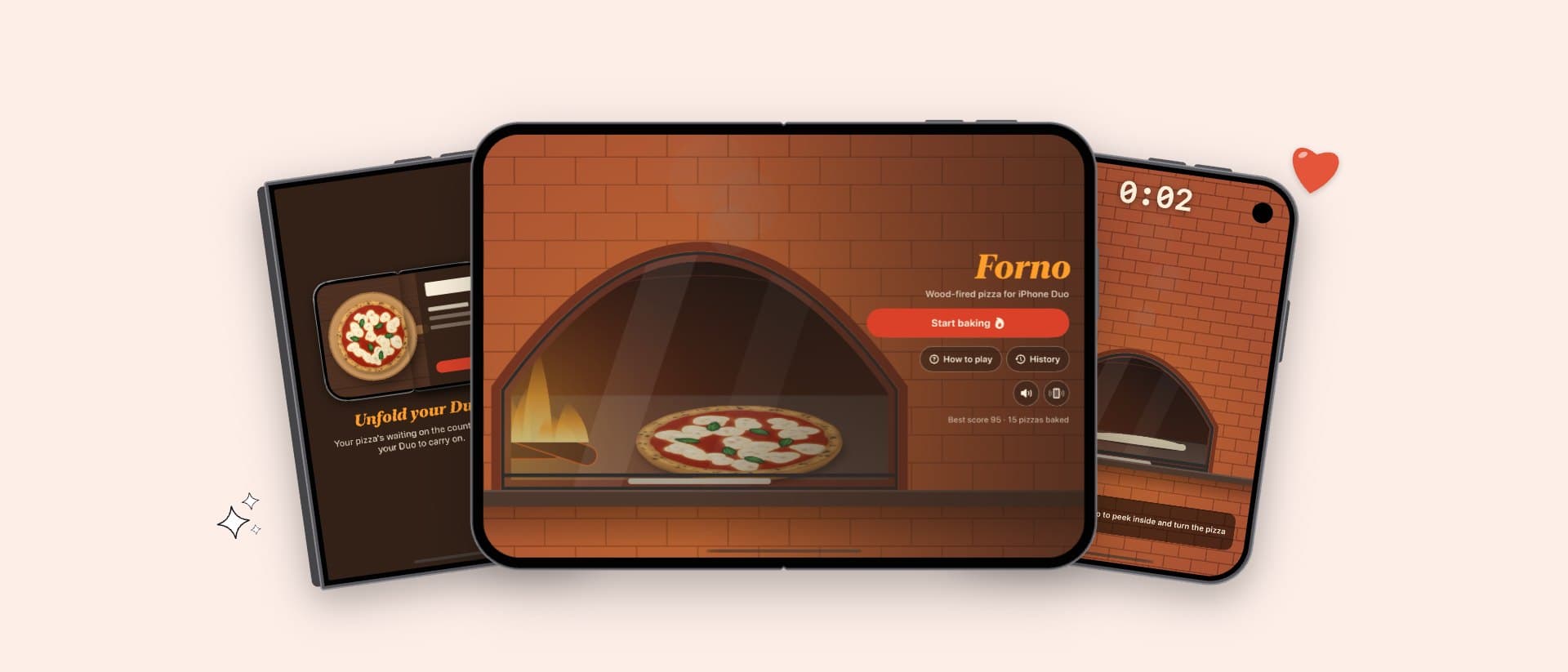
A trailer cut to its music: your icon lands, your phone flies in turning in 3D, every screen arrives with a whip pan, a flip or a wipe on the beat, and the headlines move with it. It ends on a cinematic card with your icon. Show it on the iPhone Duo or the iPhone, in the shape you need, then make it yours.
iPhone Duo promo · Vertical 9:16 · 34 s · example app: Forno
Yes. Designing and downloading your screenshots is free, with no account and no watermark.
Outer (cover) display 1398 × 2034 px and inner display 2007 × 2853 px, up to 10 screenshots each, with no transparency. DuoShots exports exactly these. You can design up to 15 and upload your best 10.
Screenshots from the cover screen for the closed phone, and for the open phone one screenshot of the whole unfolded screen. You do not need to cut it in two: DuoShots places it across both screenshots.
DuoShots designs the whole set as one long canvas and cuts it into screenshots when you download. In the App Store they sit side by side, so the open Duo reads as one phone.
Yes. Add a background image across the whole set or behind each screenshot, pick fonts and colours, or start from a template's colour themes.
No. Everything runs in your browser; nothing is uploaded.
Yes. From your screenshot set it makes the App Store search result image (3840 × 2560) and the product page header (3840 × 1646) in the same style, with the safe area drawn in, as PNG or JPEG.
Not yet. DuoShots is made only for iPhone Duo, so every template is designed around the fold.
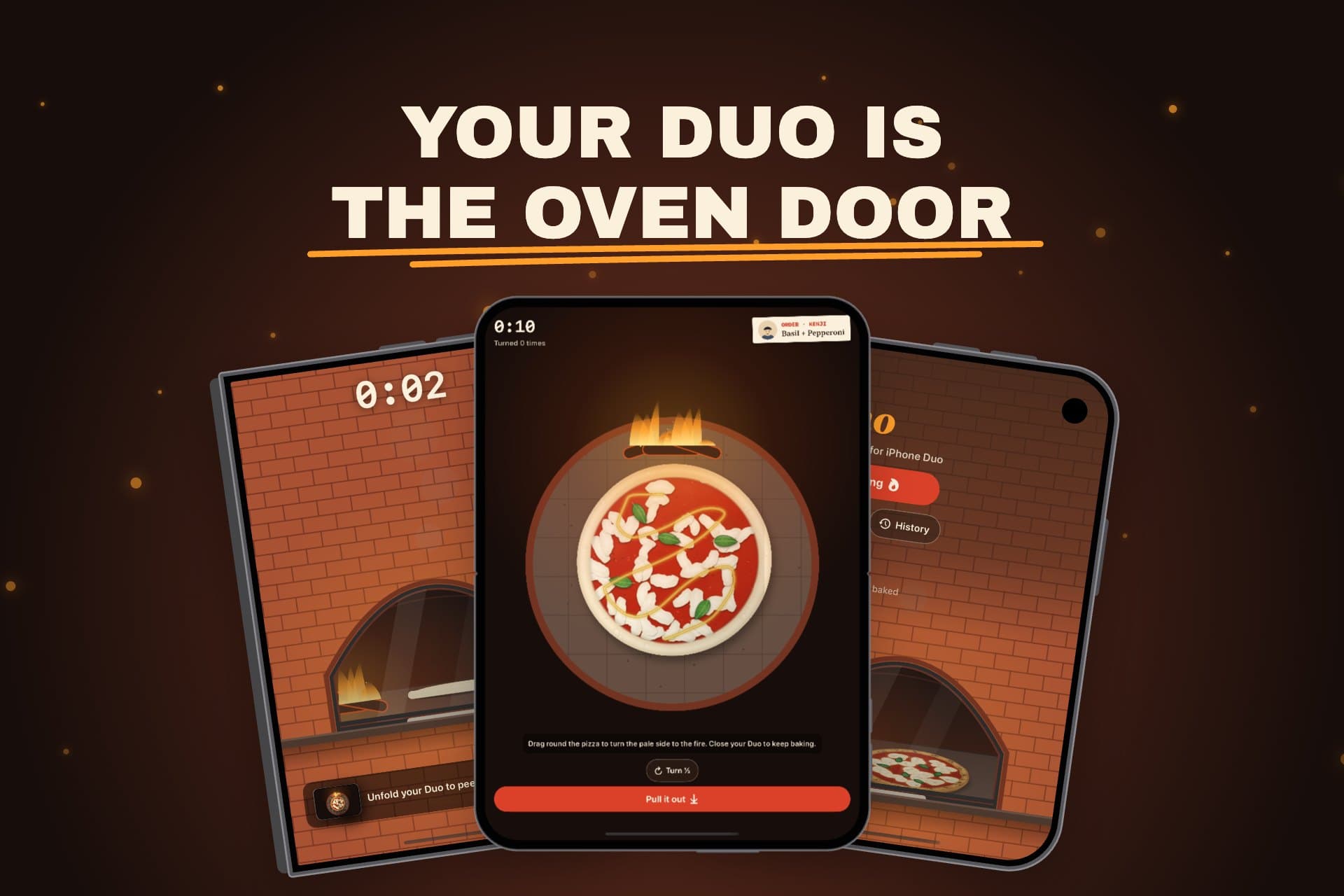
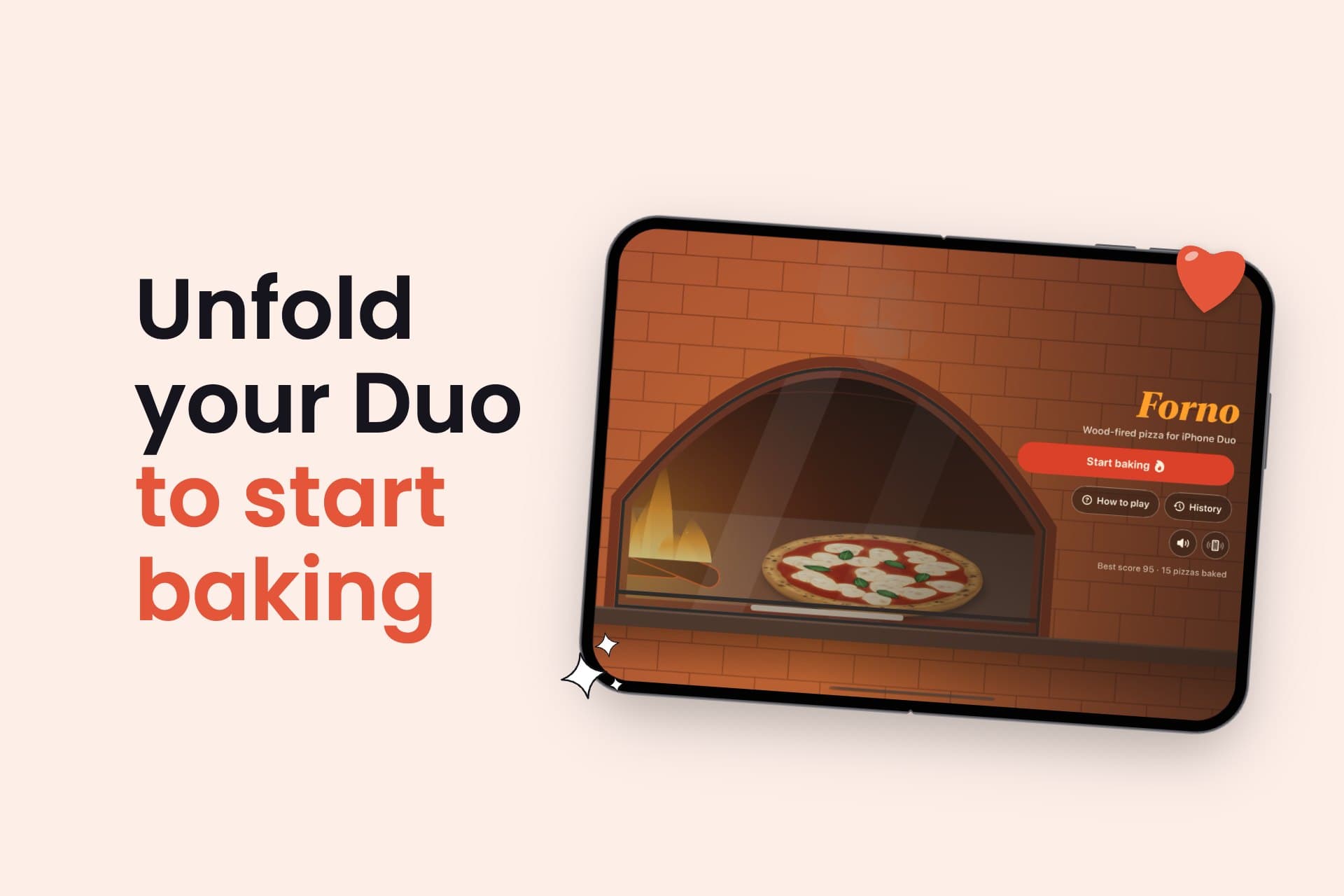
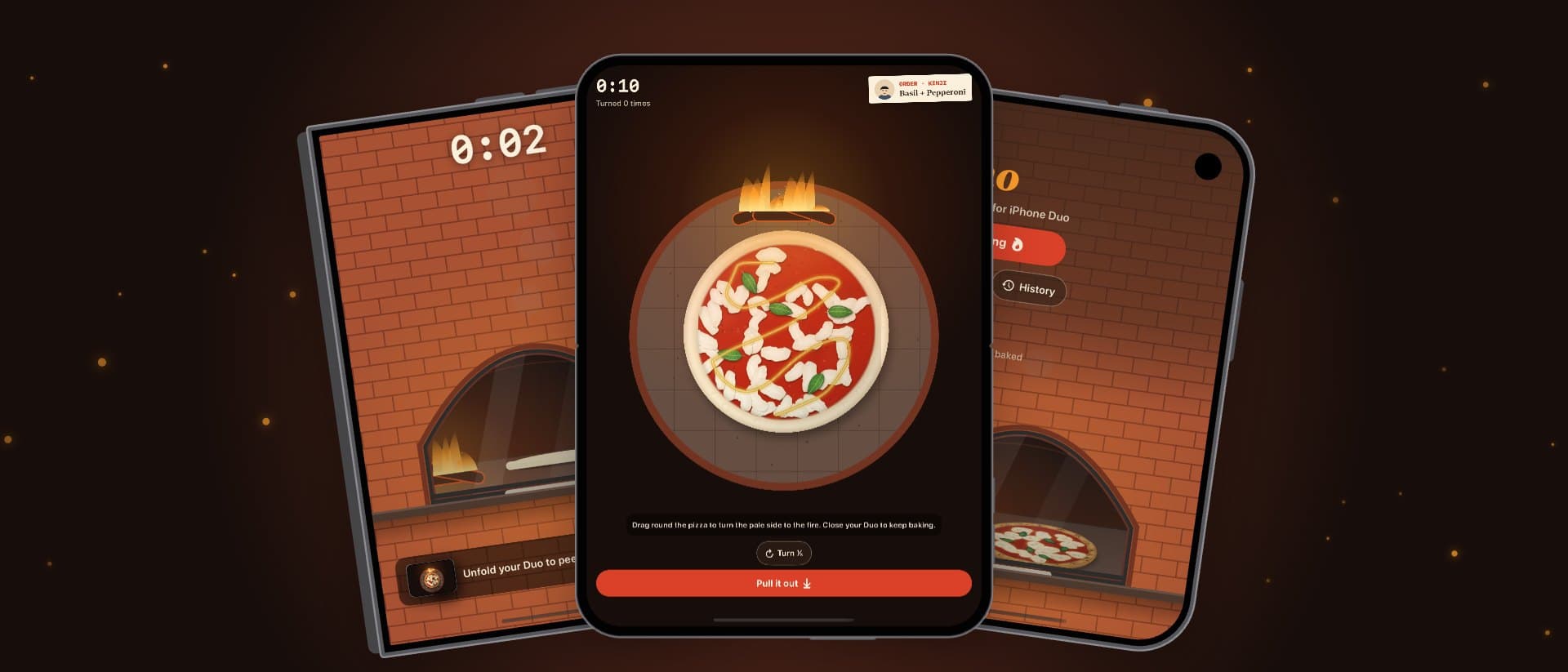
 Forno: Wood-Fired PizzaiPhone DuoWood-fired pizza for iPhone Duo: unfold your phone to open the oven.Visit
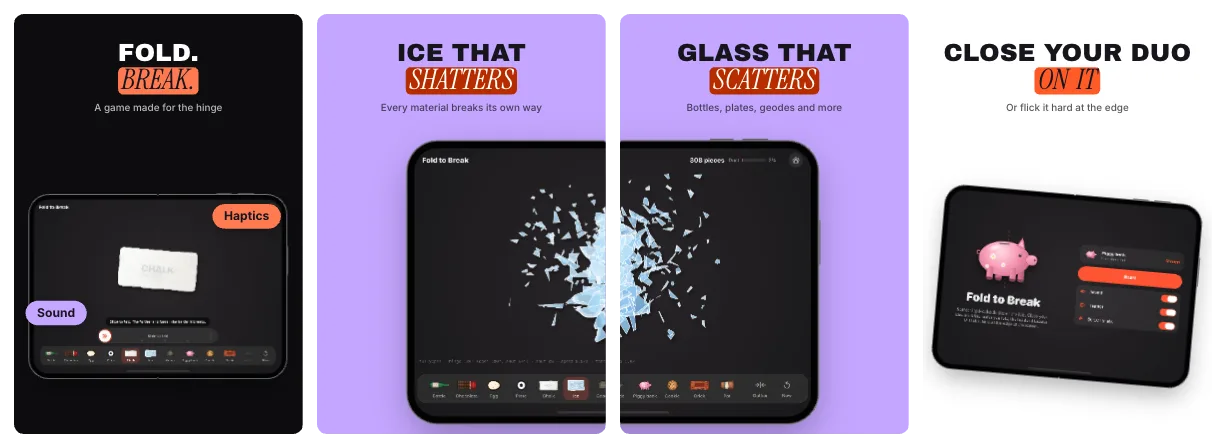
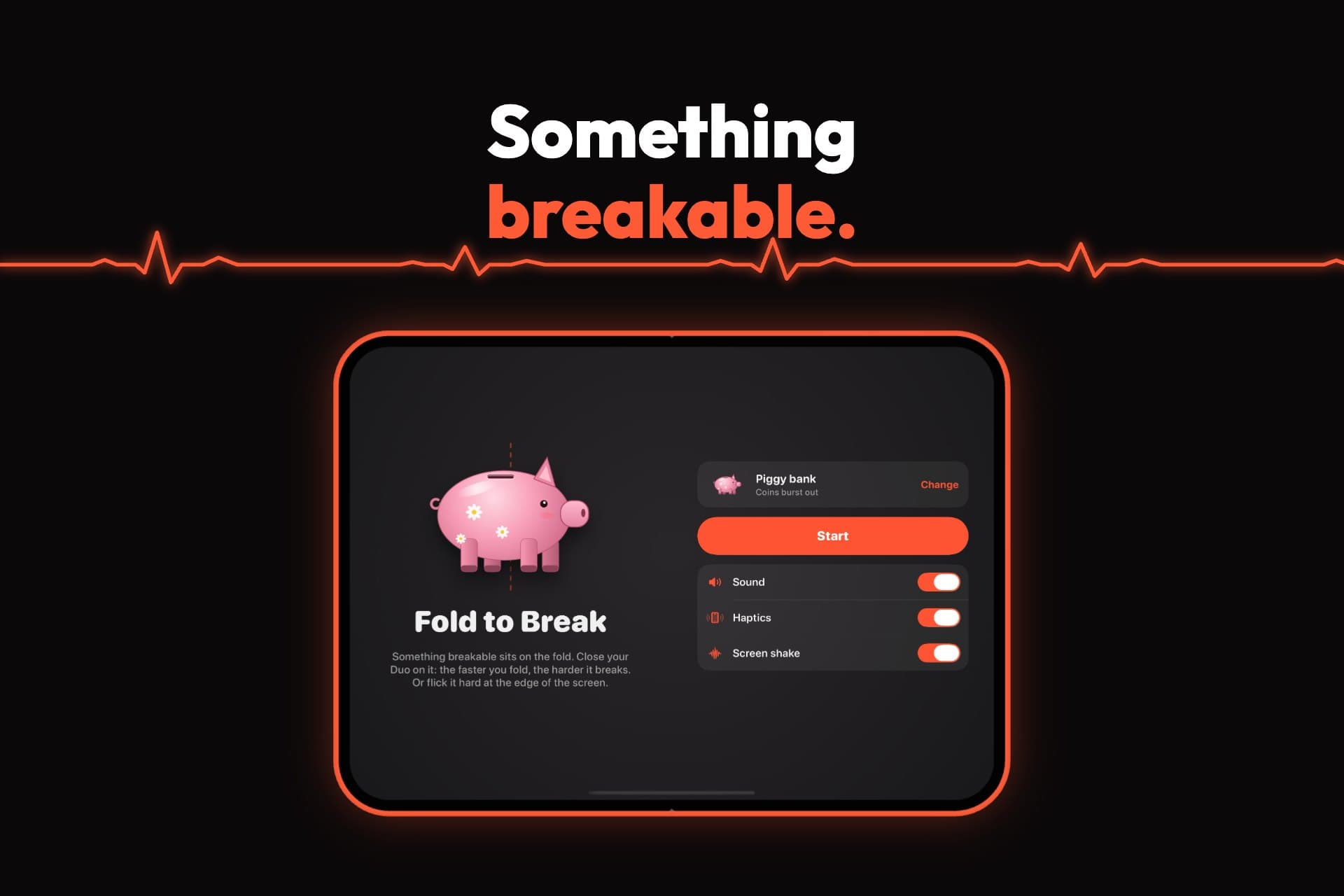
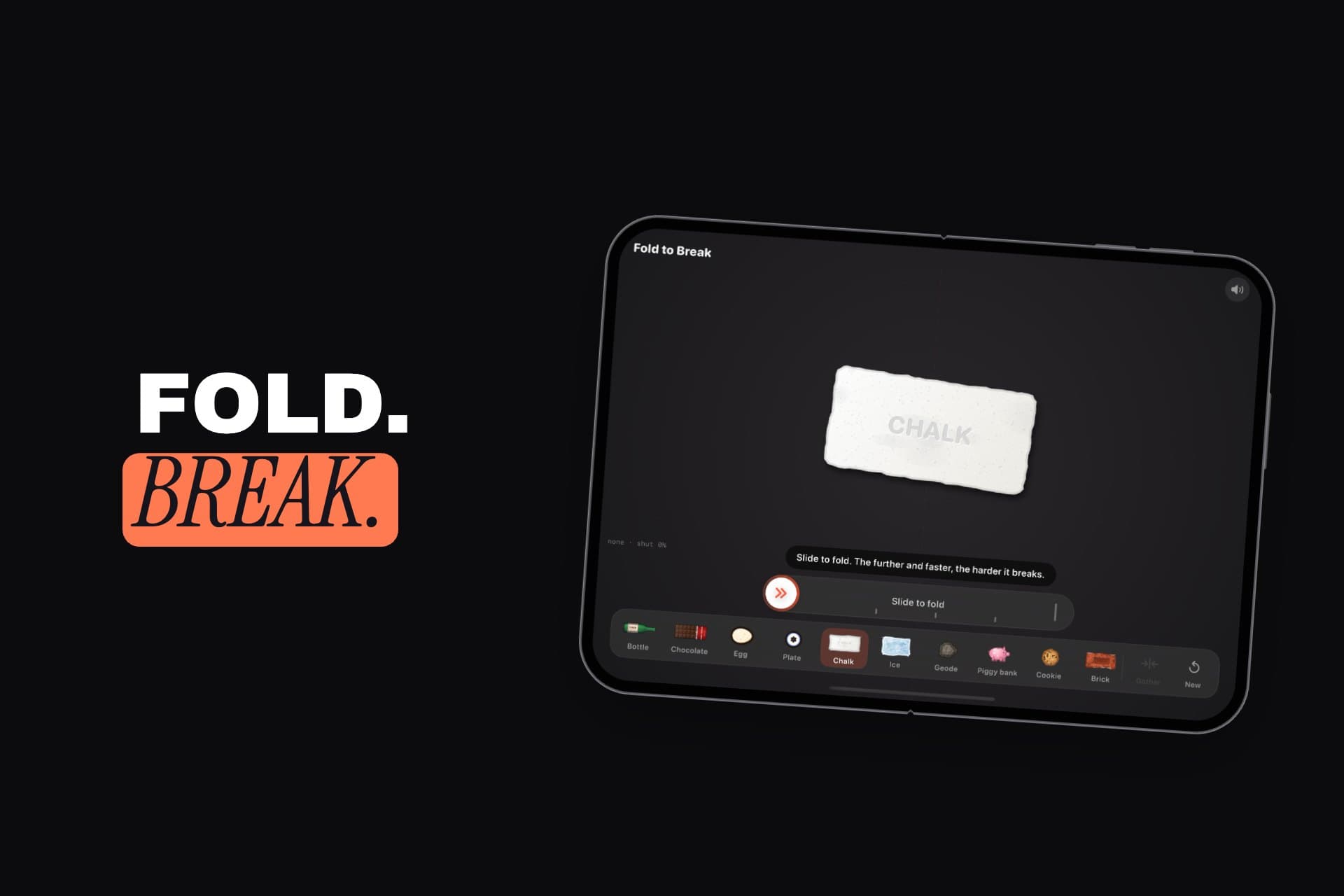
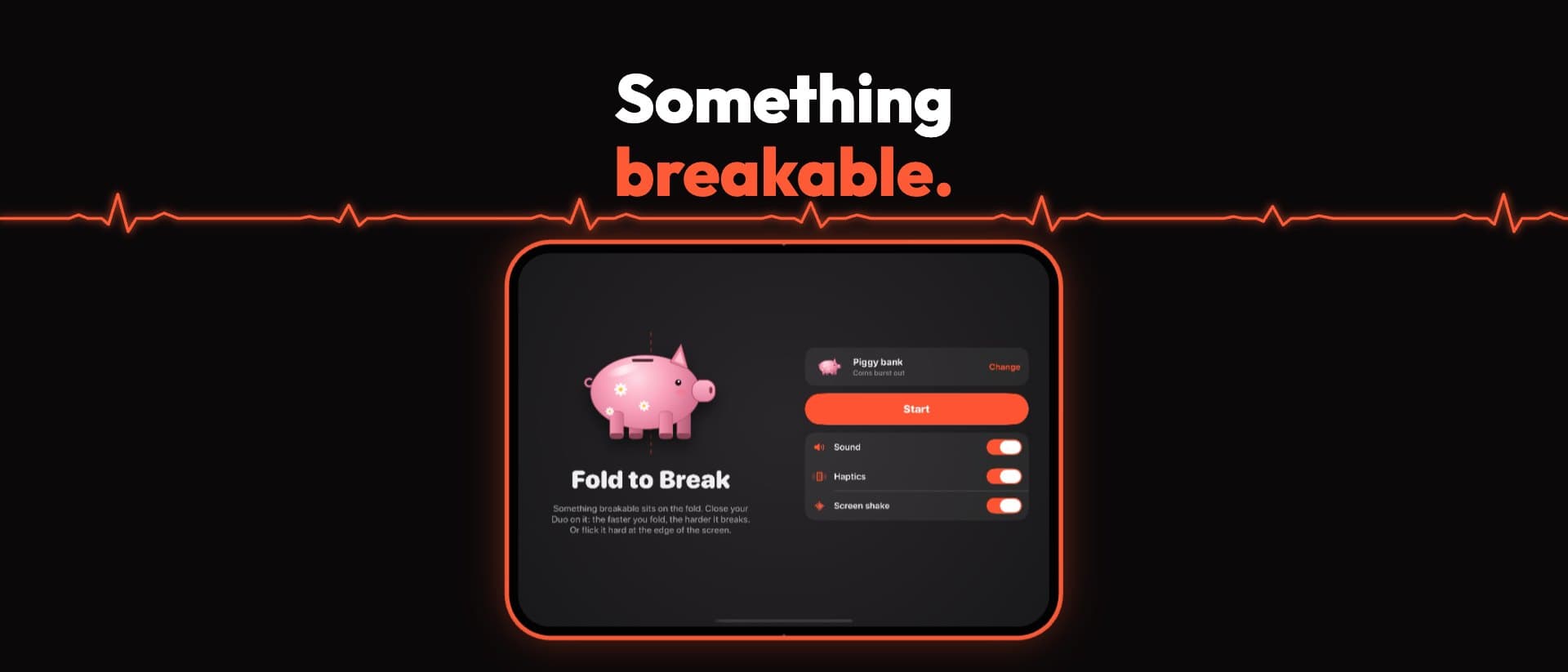
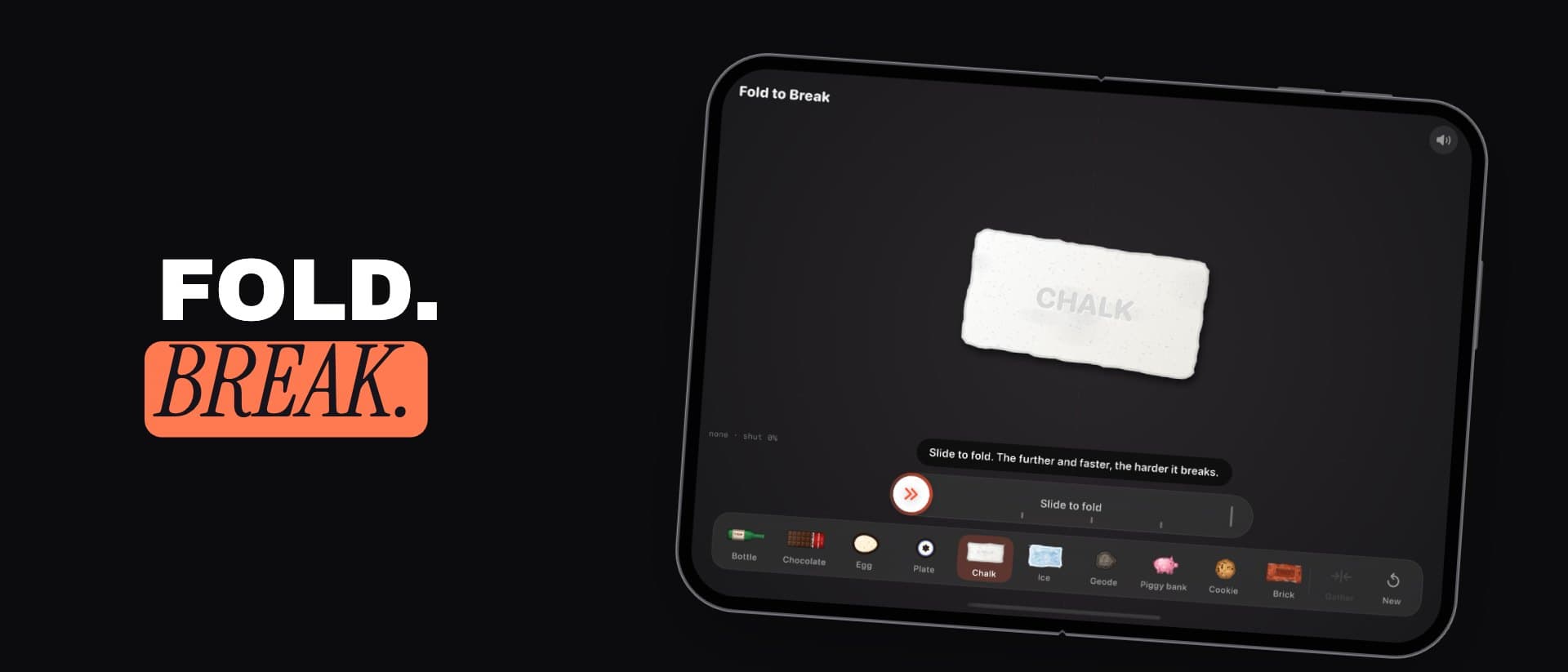
 FoldToBreakiPhone DuoA game made for the hinge: fold your iPhone Duo on it to break things.Visit
 DuoBarMacA menu bar system monitor for Mac, inspired by the iPhone Duo.Visit
 BlinkerAndroid · MacGentle eye-care breaks, on Android and in your Mac menu bar.Visit
 Mutify ProAndroidMutes annoying ads on your Android phone.Visit