 DuoShots
App Store product page header generatorA header worthy of your product page
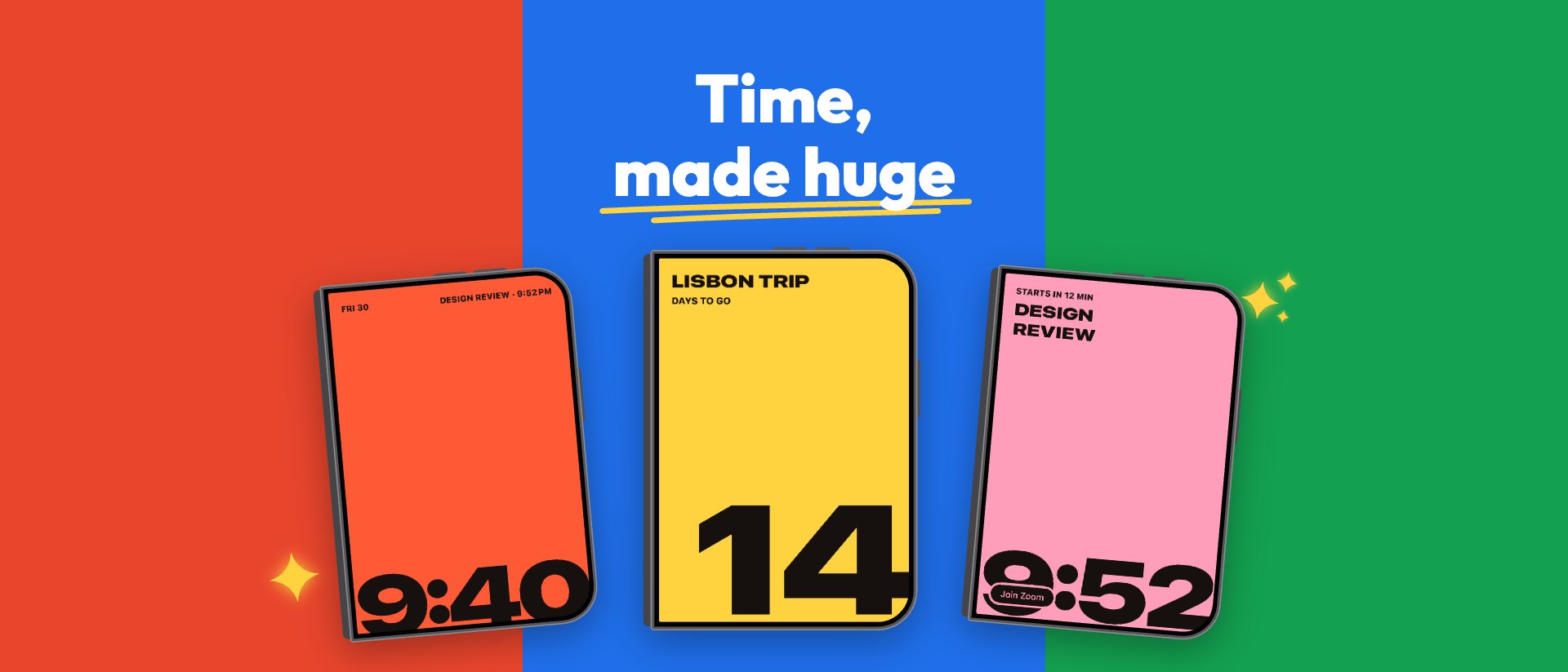
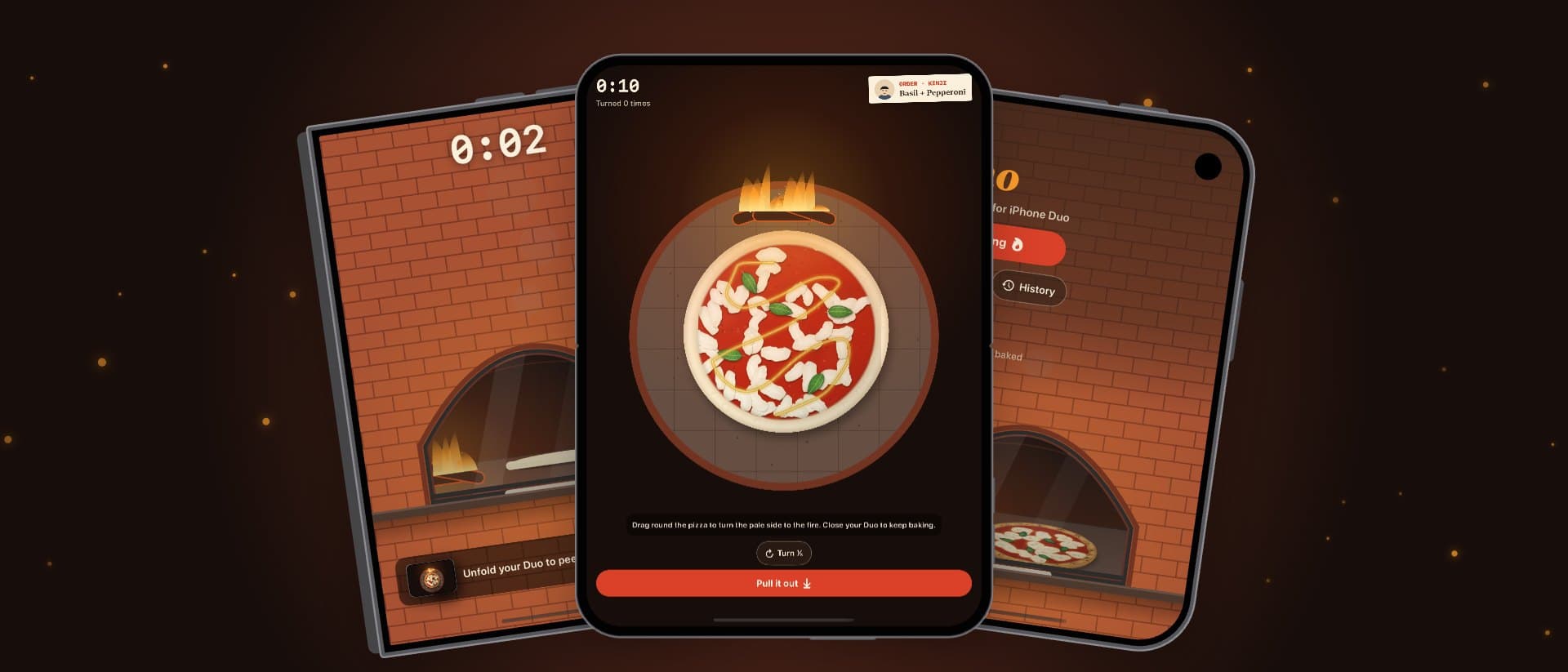
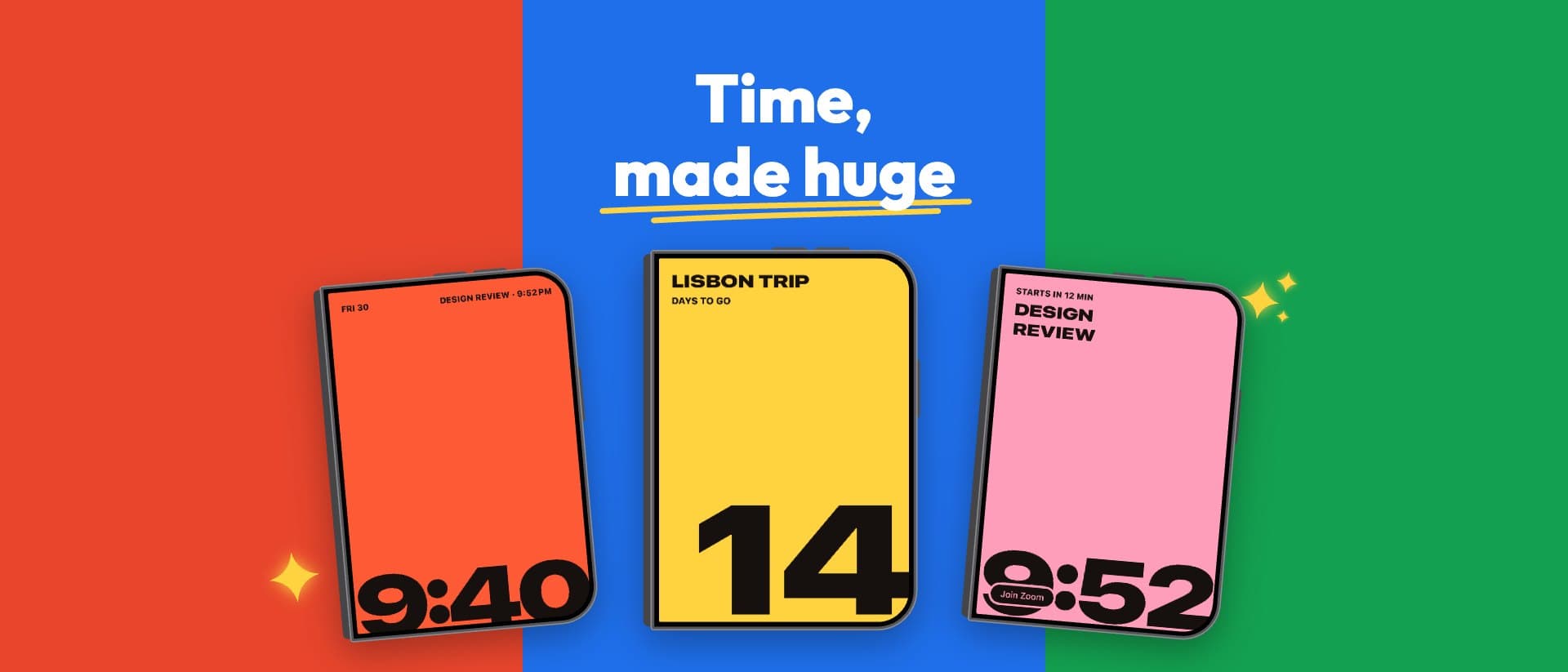
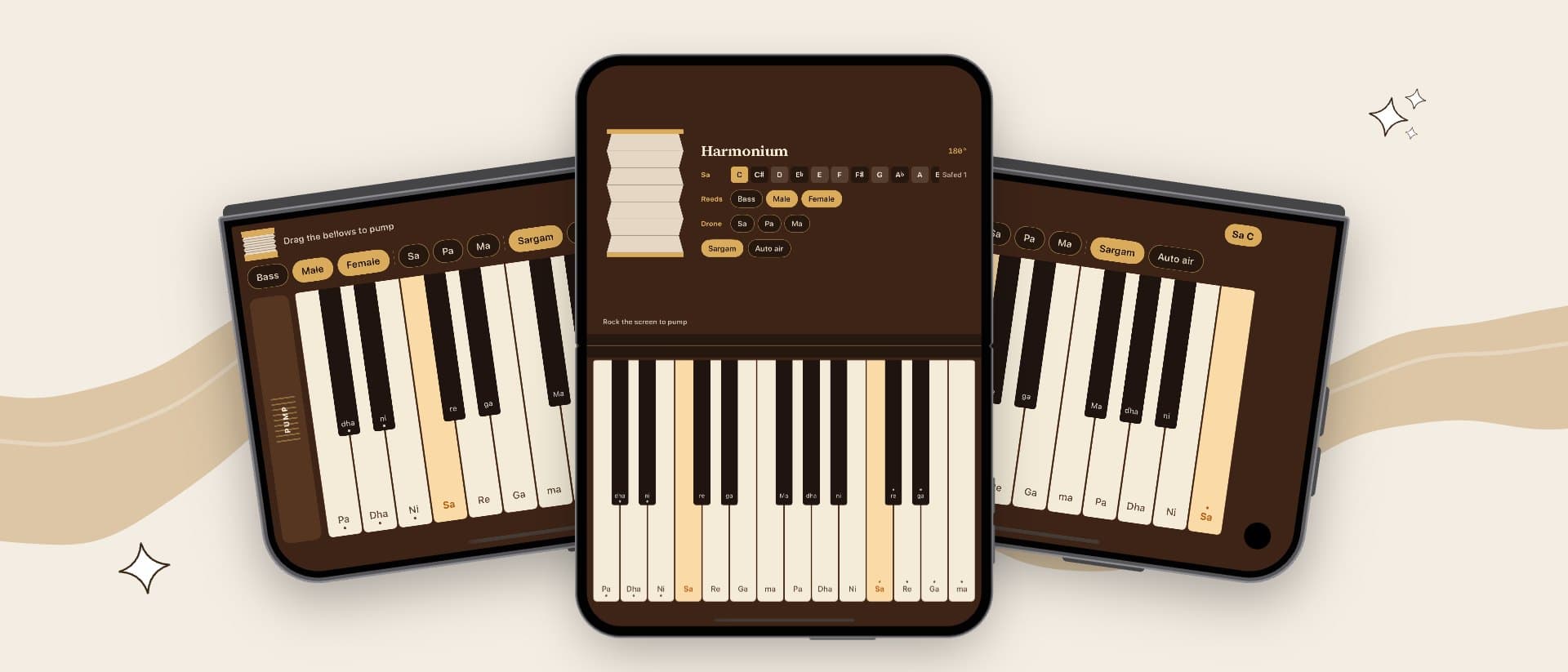
iOS 27 puts a wide header at the top of every product page, above your icon and name. Make it from your iPhone Duo screenshots, in the same style, at the exact size App Store Connect asks for.
3840 × 1646 · PNG or JPEG · no transparency · your screenshots stay in your browser
- 4.8★★★★★
- 4+Age
- #3Games
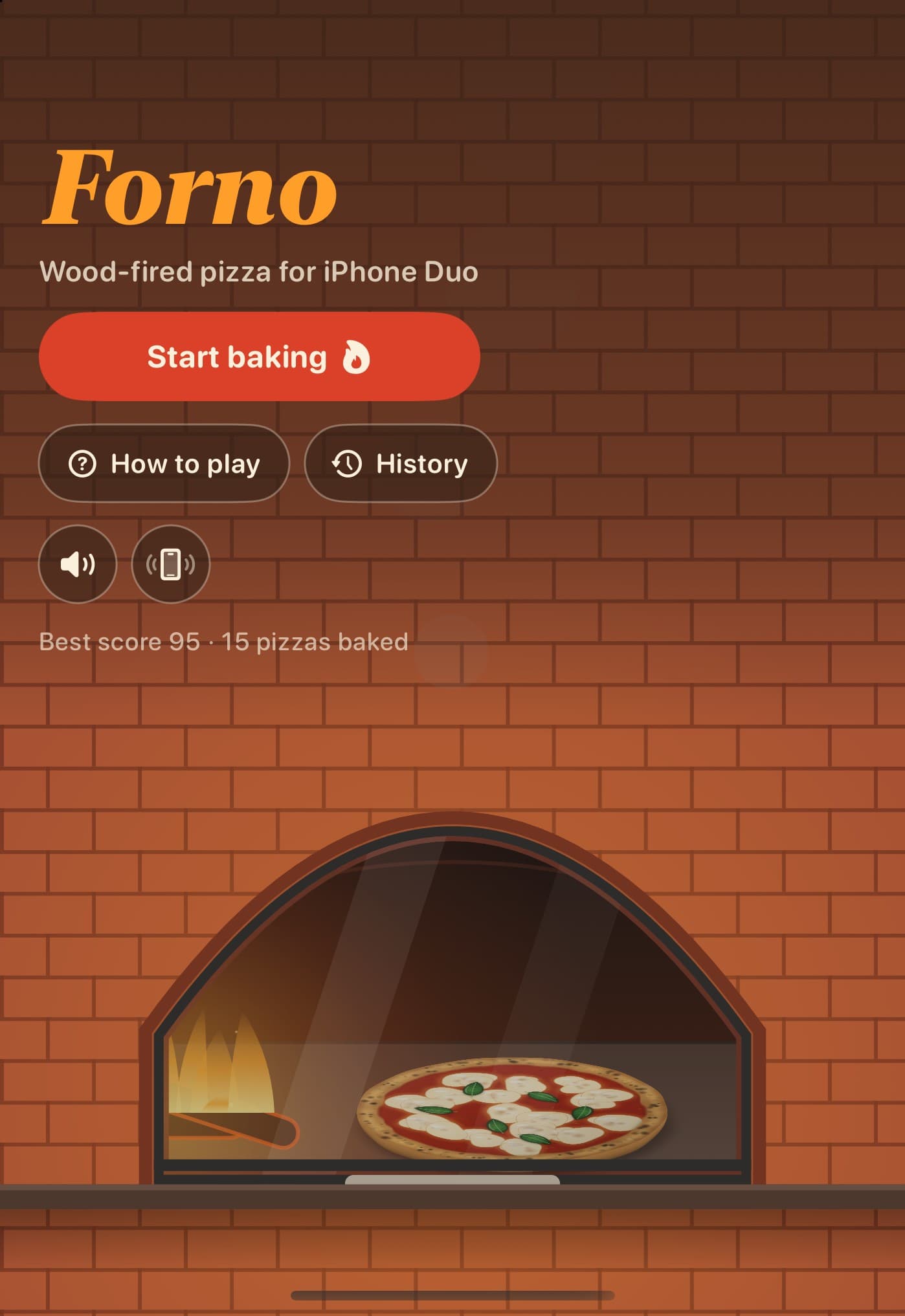
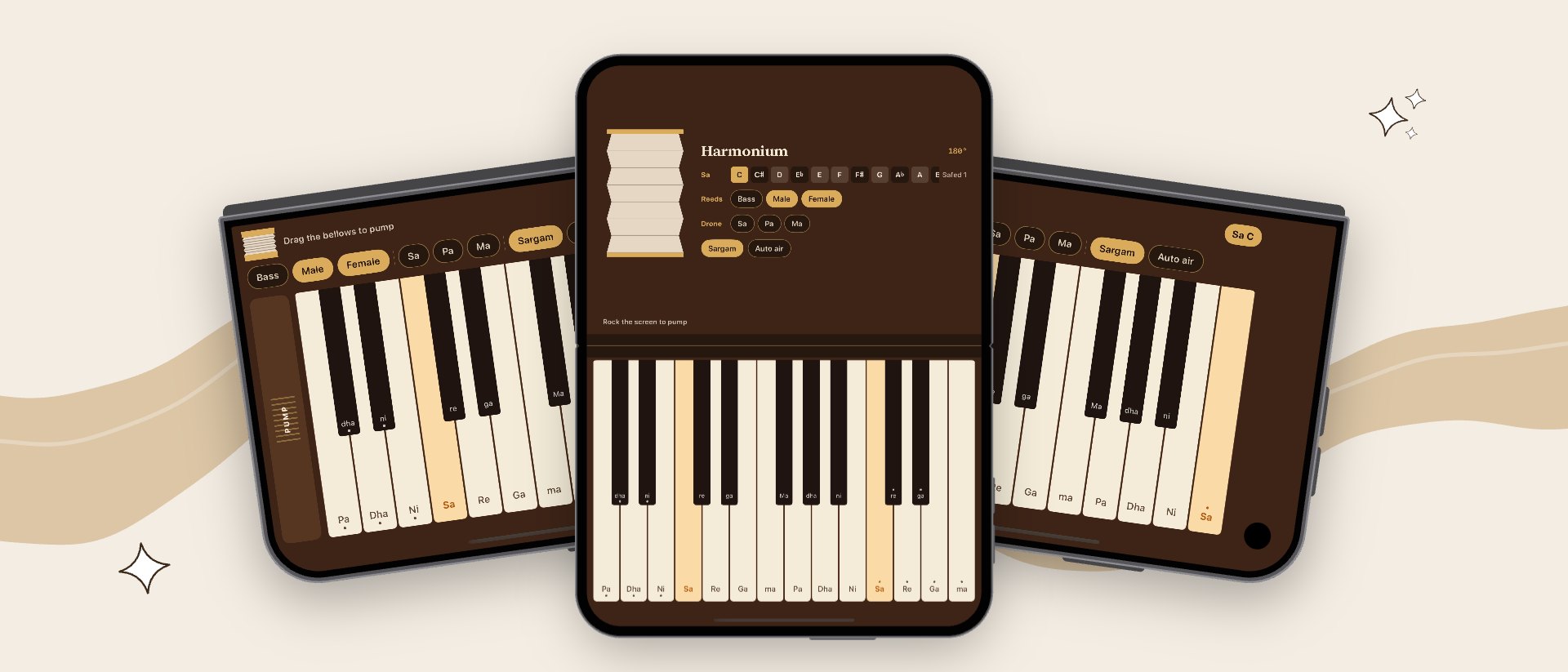
Six styles that match your screenshots
Open the generatorThe product page header image, at Apple's size
- Size
- 3840 × 1646 px
- Shape
- 21:9, wide
- Files
- PNG or JPEG, no transparency
- Safe area
- 1646 × 661 px, from 1097 px left and 493 px down
- Top corners
- The back and share buttons sit over them
- Where it shows
- The top of your product page on iOS 27 and iPadOS 27
- Video
- Optional: 5 to 30 s, starts muted
Safe area · 1646 × 661- Prices, discounts or “free trial” offers
- Web addresses
- Other platforms, like Android
- Awards and rankings you can't prove, and Apple's own
- Anything above a 4+ age rating
From your screenshots to App Store Connect
- 01Pick a styleSix styles, the same as our screenshot sets, so the header and the screenshots under it match.
- 02Add your screenshotsUnfolded and cover screen screenshots of your iPhone Duo app. They never leave your browser.
- 03Let the picture talkApple suggests little or no text in the header. Add a few words only if they help.
- 04Check and downloadSee it on a product page, check the safe area, then download it at 3840 × 1646.
Questions about the product page header image
What size is the App Store product page header?
21:9 at 3840 × 1646 pixels, as a PNG or JPEG without transparency. Apple also takes one 16:9 image at 5244 × 2950 (PNG) that can serve as both the header and the search image.
Where does the header show?
At the top of your product page on iOS 27 and iPadOS 27, above your icon, name and Get button. Older versions show the page without it.
Should the header have text?
Apple suggests little or none: let the picture do the work. DuoShots leaves the headline off by default, and you can turn it on for a few words.
What is the header's safe area?
1646 × 661 pixels in the middle: from 1097 pixels in from the left and 493 down from the top. Each device shows a different part of the header, and the back and share buttons sit over its top corners, so keep anything important inside the safe area.
Can the header be a video?
Yes: Apple also takes a 5 to 30 second video that starts muted. DuoShots makes the still image.
Will it match my screenshots?
Yes. It's drawn in the same style as your DuoShots screenshot set: the same colours, font, highlighted words and iPhone Duo, with your own screenshots in it.
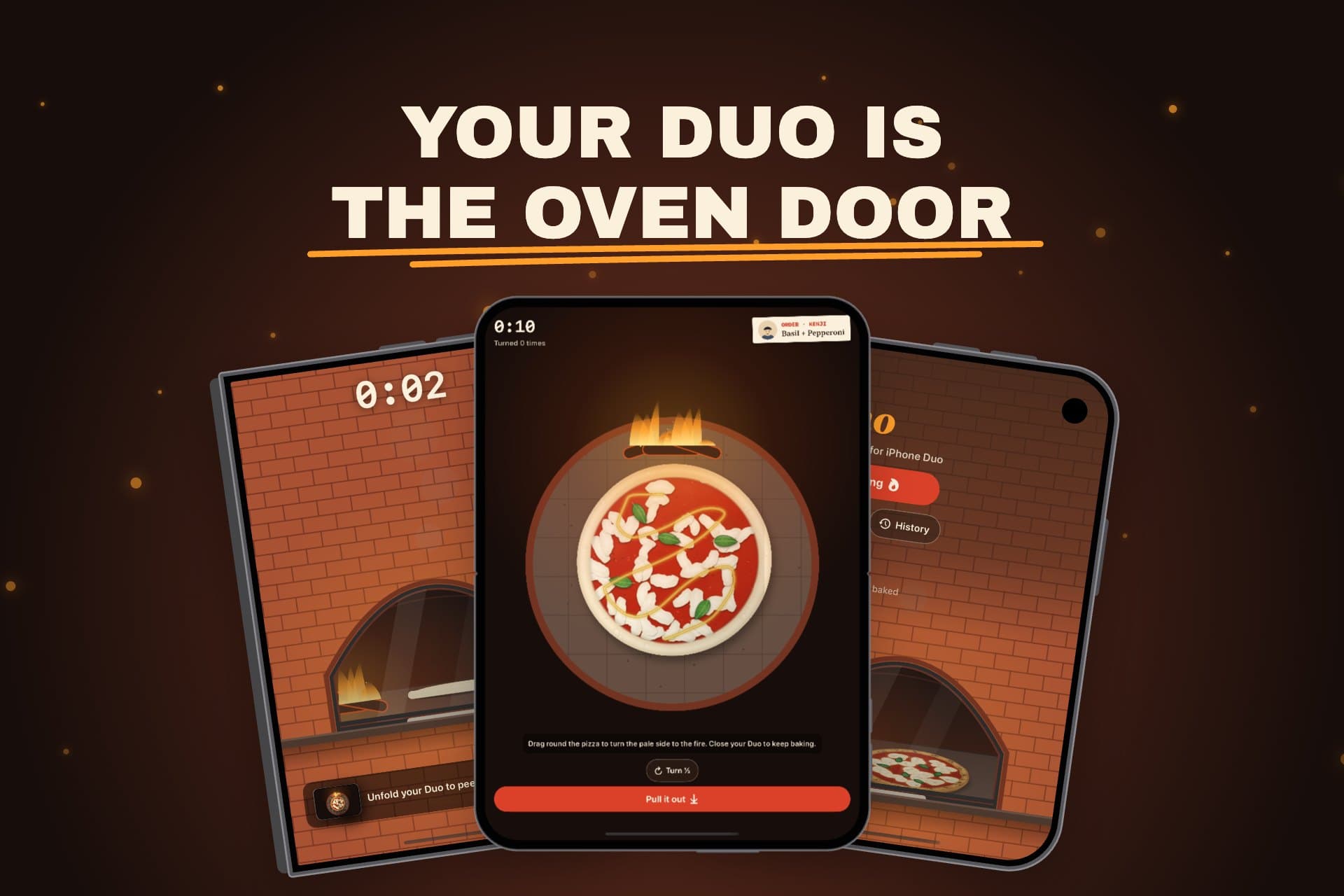 Also for iOS 27Search result imageThe big image that shows in App Store search, in the same style.Make the search image Start with theseiPhone Duo screenshotsDesign the whole screenshot set first: your images take its style.Make your screenshots
First impressions, unfolded.
Make your headerOther things we make
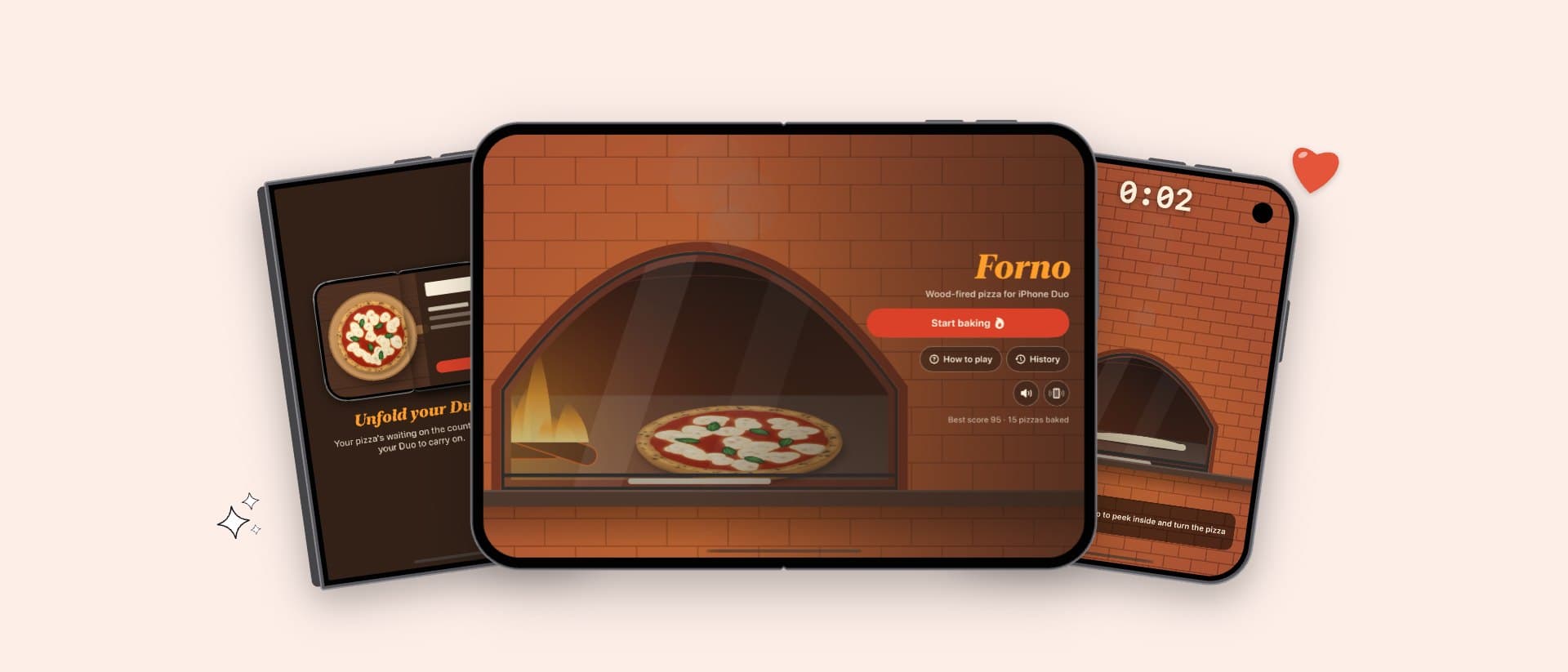
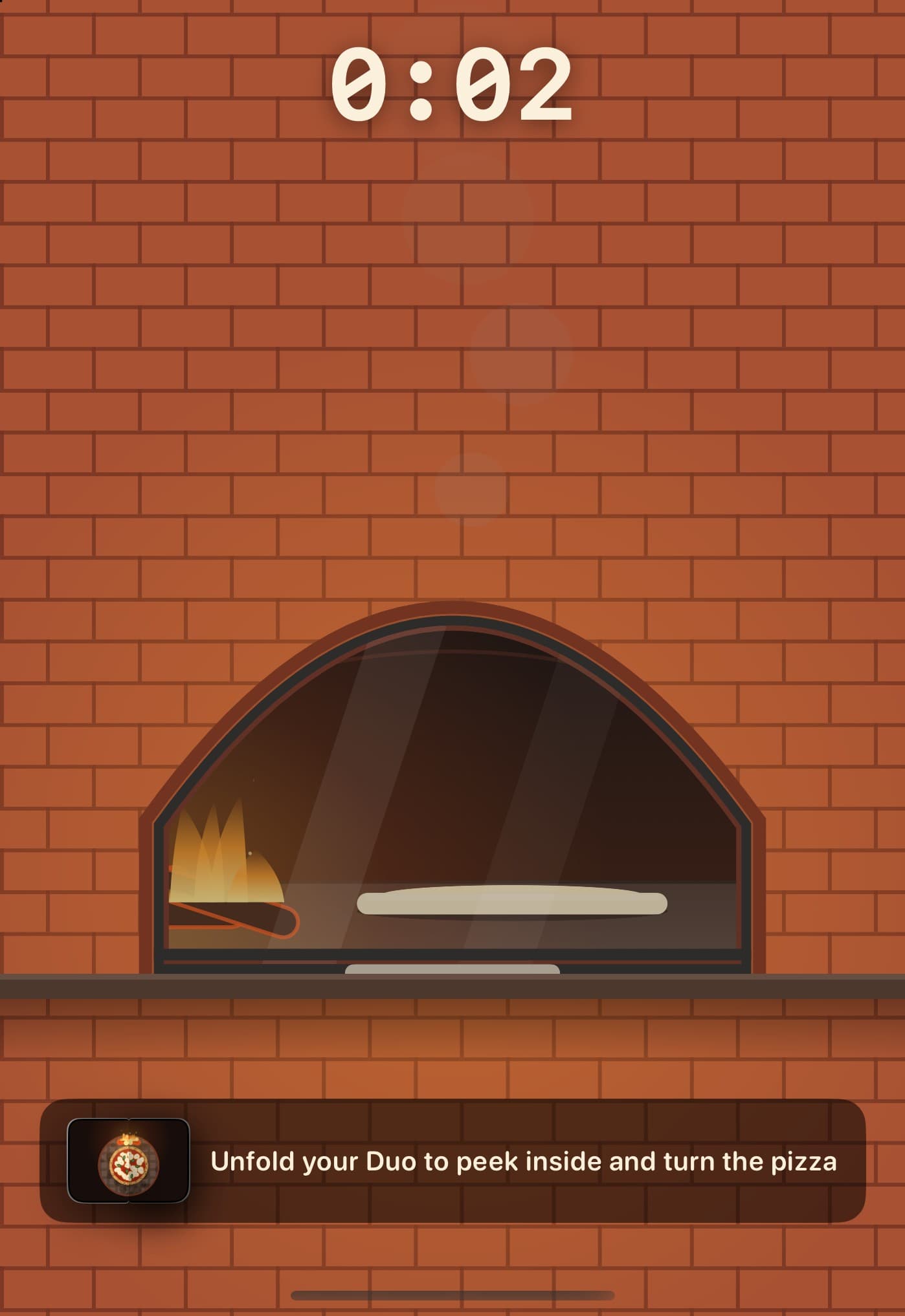
 Forno: Wood-Fired PizzaiPhone DuoWood-fired pizza for iPhone Duo: unfold your phone to open the oven.Visit
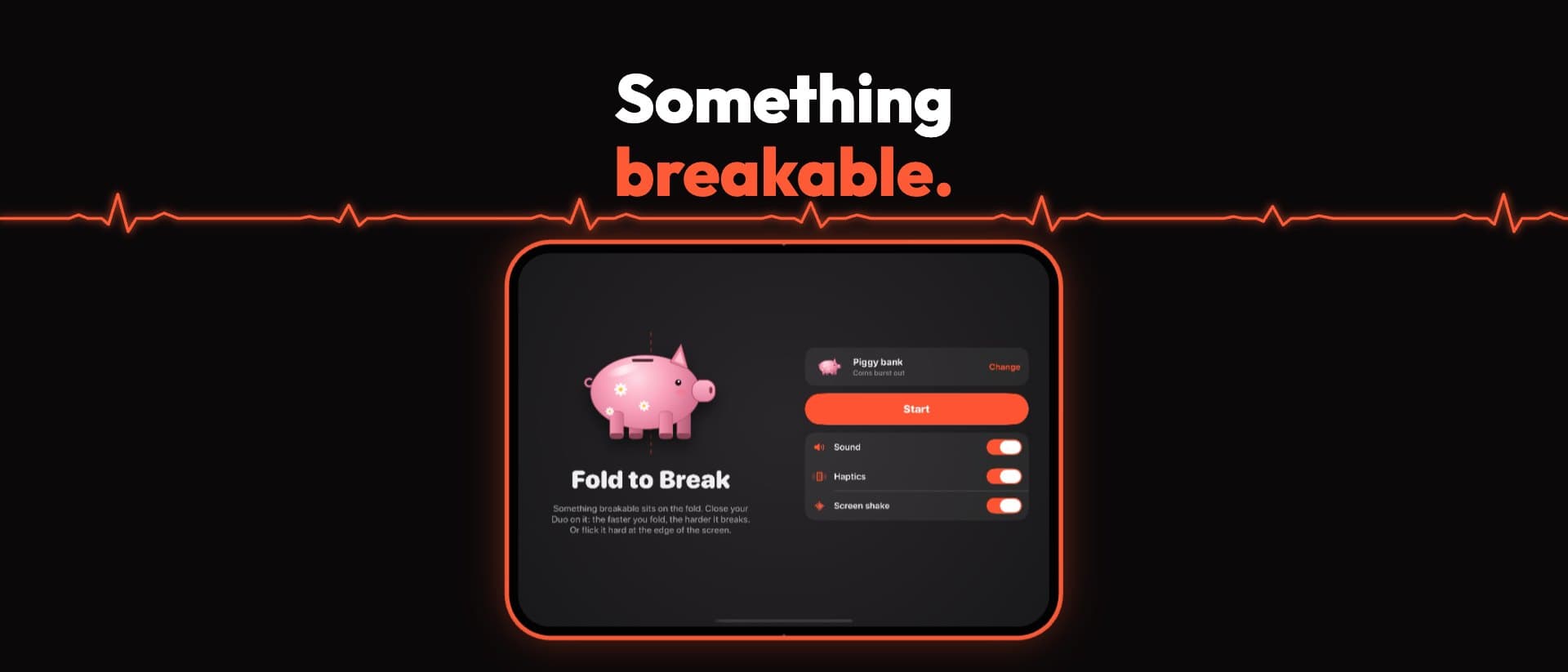
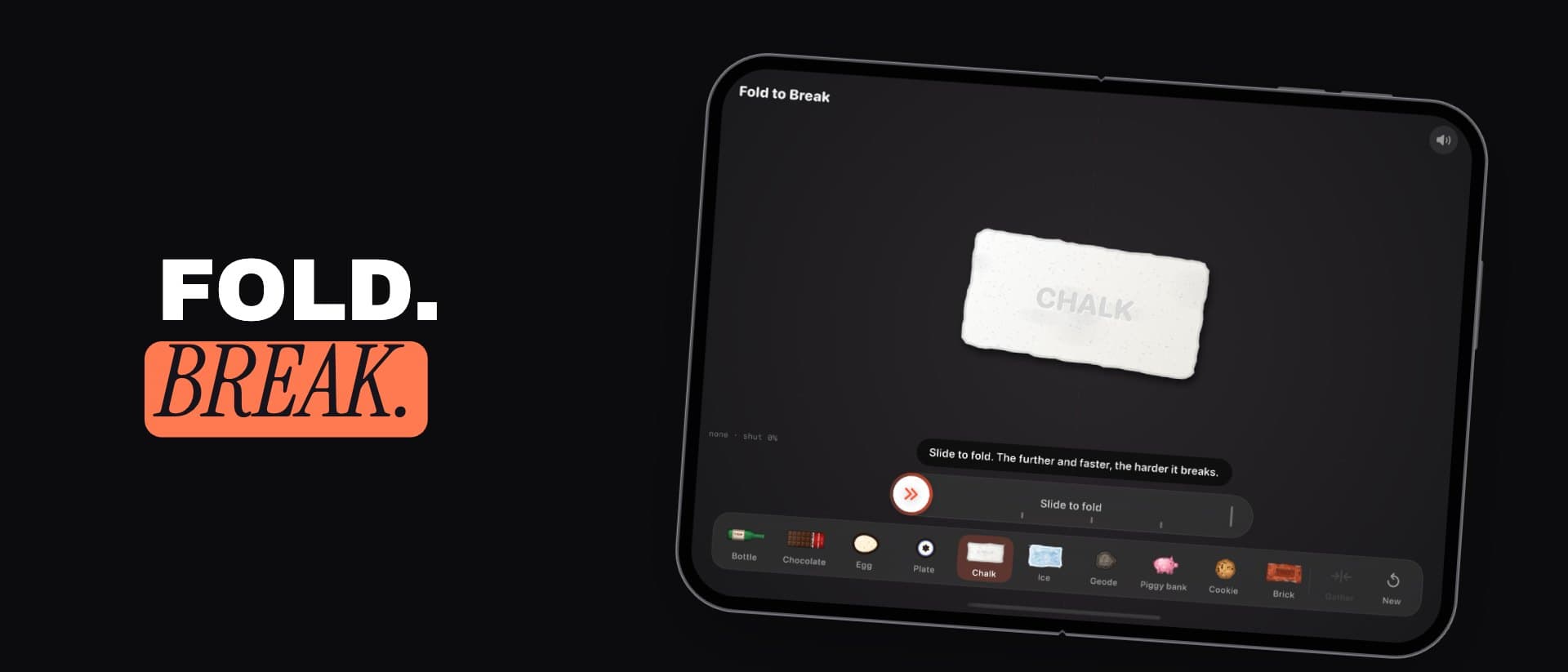
 FoldToBreakiPhone DuoA game made for the hinge: fold your iPhone Duo on it to break things.Visit
 DuoBarMacA menu bar system monitor for Mac, inspired by the iPhone Duo.Visit
 BlinkerAndroid · MacGentle eye-care breaks, on Android and in your Mac menu bar.Visit
 Mutify ProAndroidMutes annoying ads on your Android phone.Visit
- Teekam's TestersServiceClosed testing for your Android app: we run the Google Play test with real testers.Visit