 DuoShots
9:16
Vertical
1080 × 1920 px
Reels, TikTok, Shorts, store video.
8 stylesTurn your iPhone screenshots into a promo video for your app. Your screens change on the beat with whip pans, 3D flips and wipes, under kinetic headlines, with taps, pop-out cards and a cinematic end card with your icon, ready for Reels, TikTok, Shorts and YouTube.
9:16, 1:1 and 16:9 · 30–34 seconds · music included · made in your browser
A trailer cut to its music: your icon lands, your phone flies in turning in 3D, every screen arrives with a whip pan, a flip or a wipe on the beat, and the headlines move with it. It ends on a cinematic card with your icon. Show it on the iPhone Duo or the iPhone, in the shape you need, then make it yours.
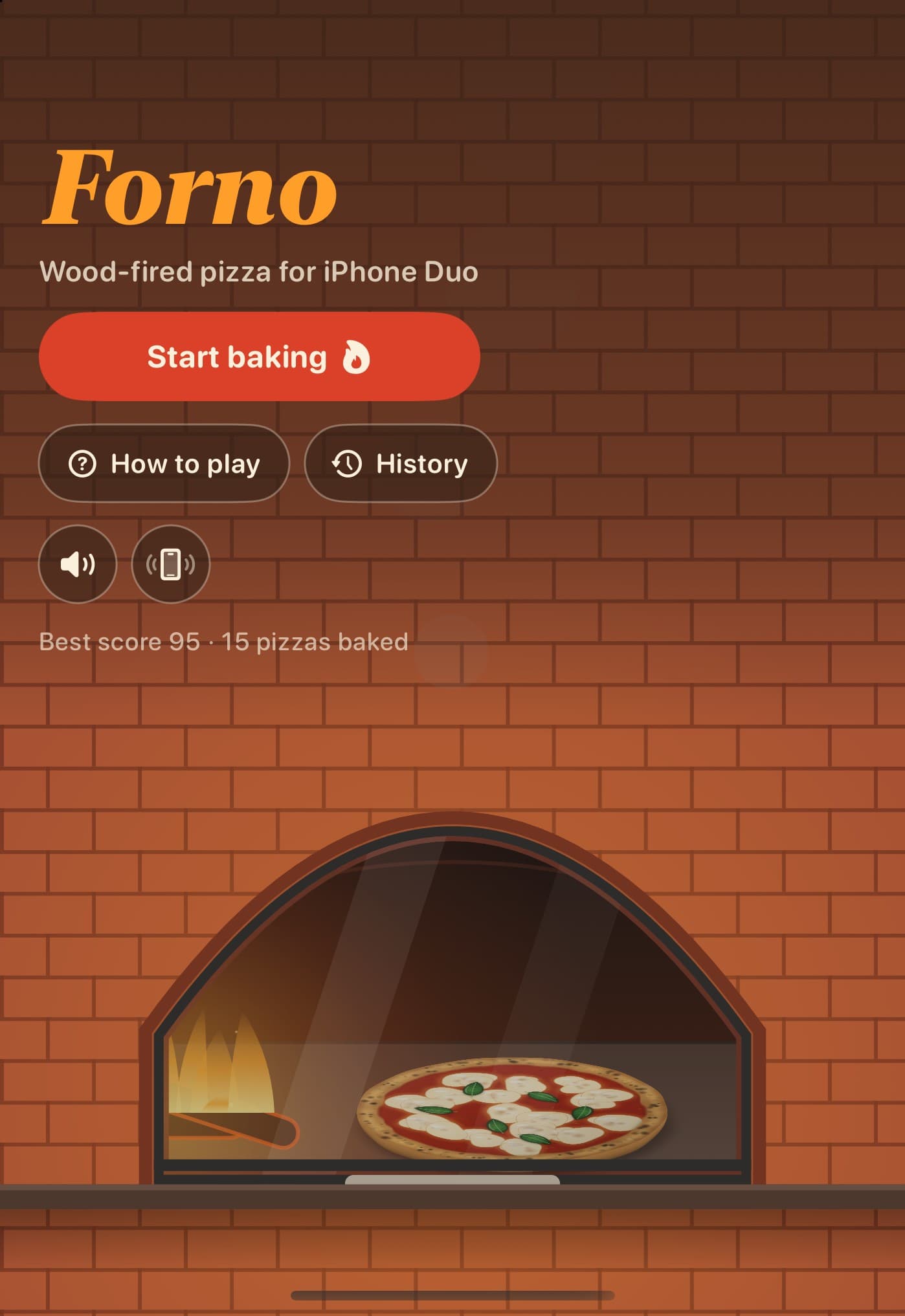
iPhone Duo promo · Vertical 9:16 · 34 s · example app: Forno
6 of them are our screenshot sets in motion, so your video matches your App Store screenshots: same colours, fonts and phones. Every one has music on the beat and an end card with your icon.
Every style has its own music. The promos follow its shape: the icon lands on the first hit, the cuts fall on the strong beats, the finale on the drop.
Six styles are our screenshot sets in motion: your video has the same colours, fonts and phones as your App Store screenshots.
Whip pans with motion blur, 3D flips, layered wipes and kinetic headlines, each with its whoosh, hit or pop; the promos add taps and pop-out cards too.
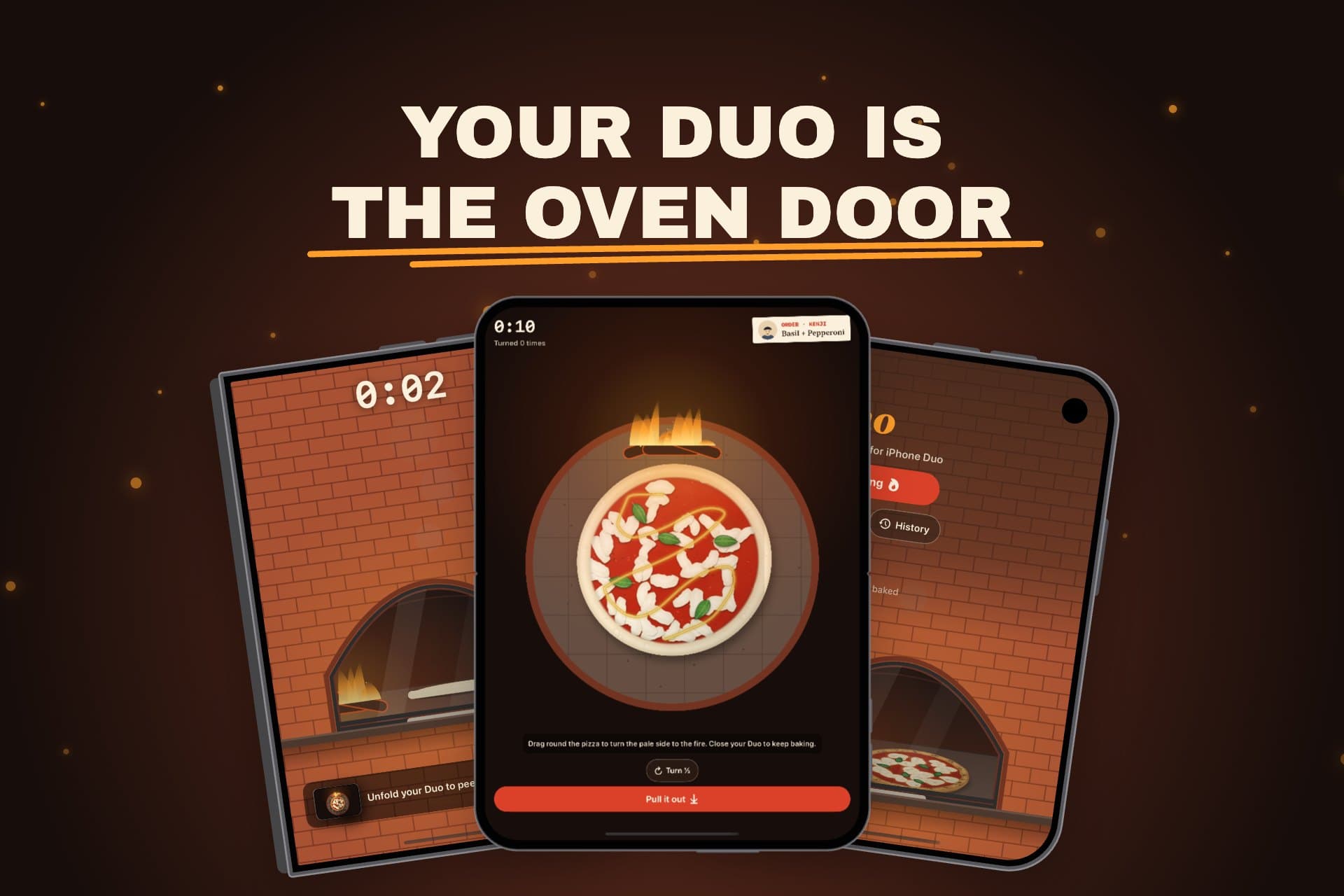
Show your app on an iPhone, or on the iPhone Duo: closed first, then unfolding.
Your brand colour and font run from the first headline to the last frame.
Every video closes on your icon, name and a call to download.
Reels, TikTok, Shorts, store video.
8 stylesInstagram and LinkedIn feed.
8 stylesYouTube, websites, store preview.
8 stylesA short video that shows your app's screens one after another, with headlines, music and a call to download at the end. Post it on Reels, TikTok and Shorts, or put it on YouTube and your website.
The video generator is coming soon. You can watch every style with the example app on this page now, and design your App Store screenshots in DuoShots while you wait.
Vertical 9:16 at 1080 × 1920, square 1:1 at 1080 × 1080 and landscape 16:9 at 1920 × 1080.
Between 30 and 34 seconds, depending on the style, ending on a card with your icon.
Yes. The iPhone promo shows your app on an iPhone and ends with three iPhones swinging into a 3D fan; the iPhone Duo promo shows it on the closed Duo, then unfolds it before the end card.
Yes. Each style comes with its own music, and the cuts, taps and sound effects land on its beat.
No. The video is drawn and recorded in your browser; nothing is uploaded.
 Available nowiPhone Duo screenshotsDesign your App Store screenshot set while the video generator is on its way.Make your screenshots
 New in iOS 27Search result imageThe big image that shows in App Store search, in the same style.Make the search image
 Forno: Wood-Fired PizzaiPhone DuoWood-fired pizza for iPhone Duo: unfold your phone to open the oven.Visit
 FoldToBreakiPhone DuoA game made for the hinge: fold your iPhone Duo on it to break things.Visit
 DuoBarMacA menu bar system monitor for Mac, inspired by the iPhone Duo.Visit
 BlinkerAndroid · MacGentle eye-care breaks, on Android and in your Mac menu bar.Visit
 Mutify ProAndroidMutes annoying ads on your Android phone.Visit