 DuoShots
iPhone Duo screenshot sizes for the App Store
Apple asks for 1398 × 2034 px on the outer display and 2007 × 2853 px on the inner display, in portrait, or the same sizes turned sideways for landscape. They become required in April 2027 for apps using the iOS 27.1 SDK or later.
The exact pixels Apple asks for
| iPhone Duo display | Portrait (px) | Landscape (px) |
|---|---|---|
| Outer displayThe cover screen | 1398 × 2034 | 2034 × 1398 |
| Inner displayThe unfolded screen | 2007 × 2853 | 2853 × 2007 |
Source: App Store Connect Help, Screenshot specifications. Apple can change these, so check that page before you submit.
What Apple accepts per device size
- How many
- At least 1, up to 10 per device size
- File types
- .jpeg, .jpg or .png
- Transparency
- None: no alpha channels
- Content
- Must follow the App Store Review Guidelines
When iPhone Duo screenshots become required
From April 2027, Apple says screenshots will be required for any app using the iOS 27.1 SDK or later. The spec doesn't give a date for apps on older SDKs.
Until then, Apple's list of required sizes asks for at least one screenshot for an iPhone with Dynamic Island (medium display), plus an iPad 13-inch display if your app supports iPadOS.
Adding them early has a visible upside: Apple says your product page displays a badge to let people know your app is made for iPhone Duo. Apple's iPhone Duo developer page covers getting the app itself ready.
Portrait or landscape?
Apple accepts both on each display, and an Apple engineer confirmed the same four sizes on the developer forums. Neither source says which to choose, so show your app the way people use it on that screen.
The two displays are different heights, but nearly the same shape: about 0.69 and 0.70 wide for every 1 tall. One layout can work for both, as long as each file comes out at its exact pixels.
DuoShots exports in portrait at both sizes. A landscape unfolded screenshot can sit sideways on the phone inside the image.
What iPhone Duo screenshots look like
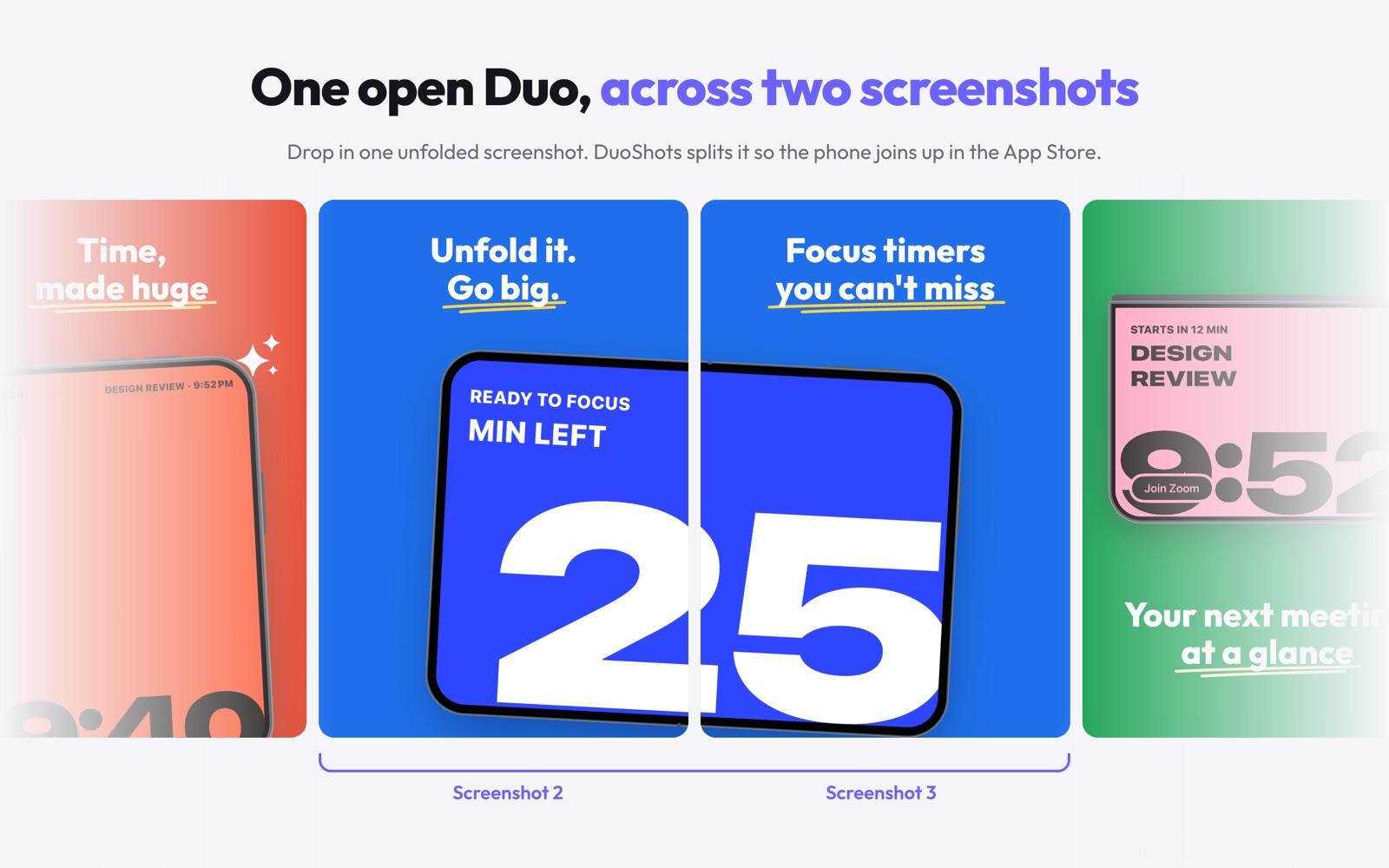
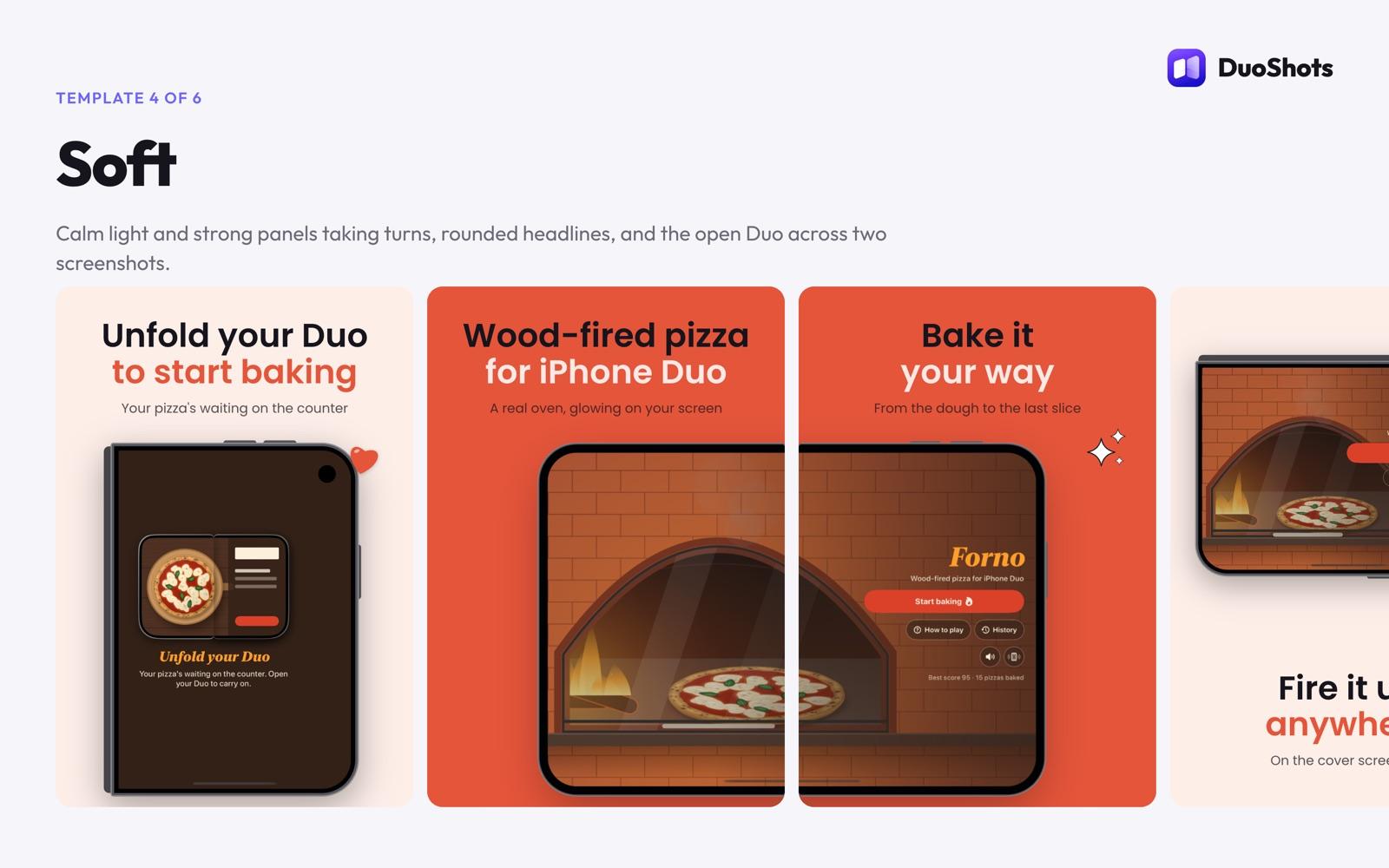
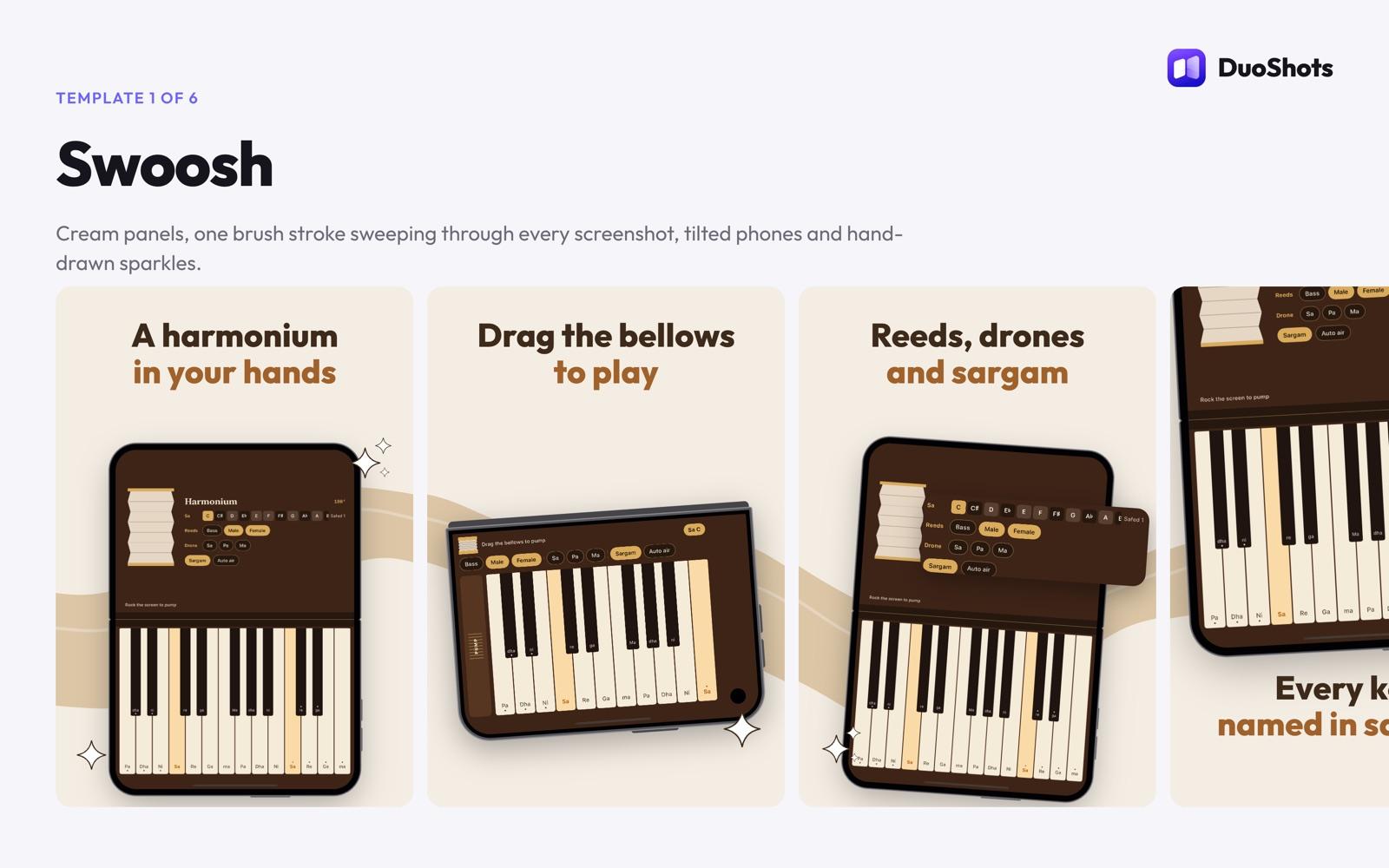
Example sets made with DuoShots, shown as overviews. Your downloads come out at Apple's exact sizes, one file per screenshot.
From your screenshots to both sizes
See the templates- 01Pick a styleEvery DuoShots template is a whole set, from the first screenshot to the last.
- 02Add your screenshotsCover screen shots for the closed phone, one unfolded shot for the open phone. Nothing is uploaded.
- 03Write your headlinesType your words, choose colours and move the phone until the set is yours.
- 04Download both sizesA ZIP with every PNG at 1398 × 2034 and 2007 × 2853, in order.
Questions about iPhone Duo screenshot sizes
What size are iPhone Duo App Store screenshots?
Apple asks for 1398 × 2034 px (portrait) or 2034 × 1398 px (landscape) on the outer display, and 2007 × 2853 px (portrait) or 2853 × 2007 px (landscape) on the inner display.
Are iPhone Duo screenshots required?
Apple says they will be required from April 2027 for any app using the iOS 27.1 SDK or later. Apple's list of required sizes today asks for an iPhone with Dynamic Island (medium display), plus an iPad 13-inch display if your app supports iPadOS.
What do I get for adding them before the deadline?
Apple says that when you submit iPhone Duo screenshots, your product page displays a badge to let people know your app is made for iPhone Duo.
Should I use portrait or landscape?
Apple accepts both for each display and doesn't say which to choose, so show your app the way people use it on that screen. DuoShots exports in portrait; a landscape unfolded screenshot can sit sideways on the phone inside the image.
Do I need to make both the outer and inner sizes?
Apple's spec lists the two displays separately and doesn't say one can stand in for the other, so plan on making both.
Why are the outer and inner sizes different heights?
They match two different screens, but their shapes are close: about 0.69 and 0.70 wide for every 1 tall. One layout can work for both, as long as each file is exported at its exact pixels.
Can I reuse my regular iPhone screenshots?
Not at these sizes. Apple's large iPhone sizes are 1320 × 2868, 1290 × 2796 or 1260 × 2736 pixels in portrait, so they don't match either iPhone Duo display.
How do I make iPhone Duo screenshots at the right size?
DuoShots is free and runs in your browser, with no account or watermark. It exports both sizes in one ZIP. You can design up to 15 screenshots and pick the 10 Apple accepts per size.
Both sizes, one download.
Make your screenshotsOther things we make
 Forno: Wood-Fired PizzaiPhone DuoWood-fired pizza for iPhone Duo: unfold your phone to open the oven.Visit
 FoldToBreakiPhone DuoA game made for the hinge: fold your iPhone Duo on it to break things.Visit
 DuoBarMacA menu bar system monitor for Mac, inspired by the iPhone Duo.Visit
 BlinkerAndroid · MacGentle eye-care breaks, on Android and in your Mac menu bar.Visit
 Mutify ProAndroidMutes annoying ads on your Android phone.Visit
- Teekam's TestersServiceClosed testing for your Android app: we run the Google Play test with real testers.Visit